



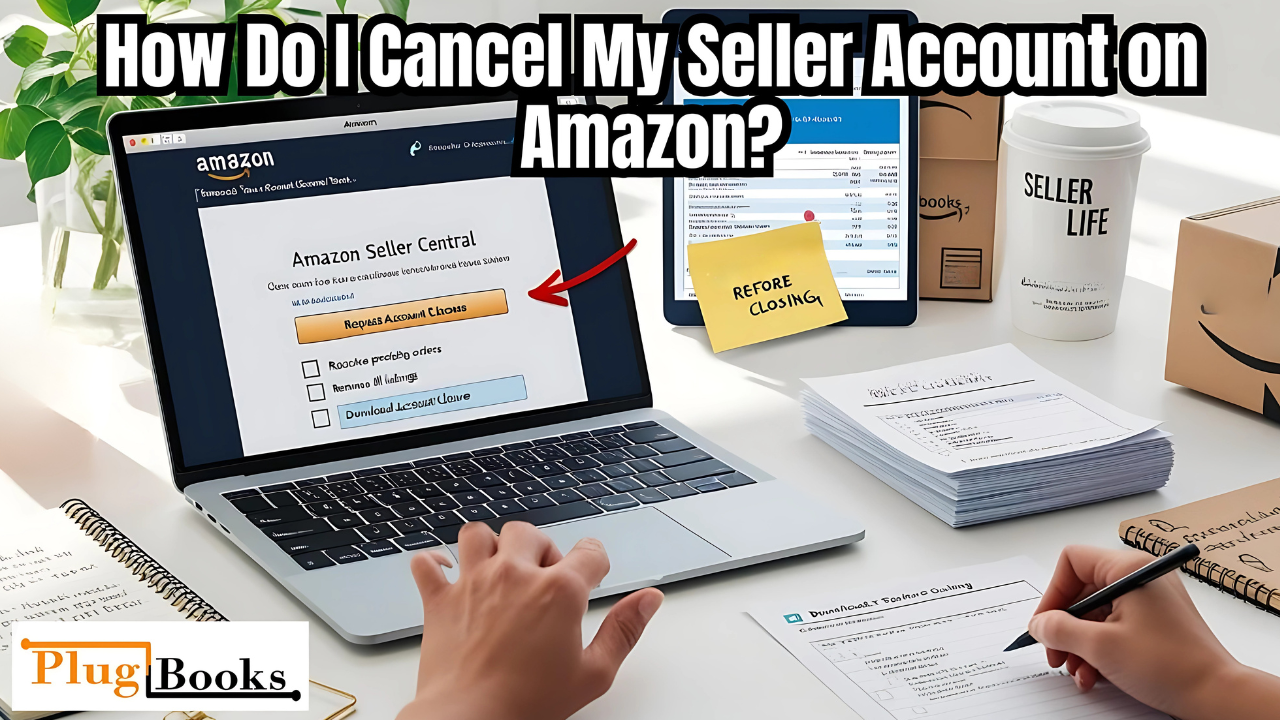
If you’re considering moving away from selling on Amazon or pausing your business, you may be asking how do I cancel my seller account on Amazon. Closing your Amazon selling account calls for more than simply a button. To ensure your account is ended successfully and you avoid being charged for items you did not intend for use, you must follow a few key actions.
We will walk you through closing your Amazon seller account from start to end for this aid. We will also discuss what to do with your financial data once the business closes and how solutions like Plugbooks might simplify the process especially if they are connected with QuickBooks.
Keynotes
- How do I cancel my seller account on Amazon requires several steps, from resolving transactions to deleting listings.
- Financial records and sales data can be kept under control with plugbooks.
- Download your taxes before closing your account.
- Once you close an Amazon selling account, it cannot be reopened.
- Working with QuickBooks, Plugbooks simplifies financial management throughout the closing process.
Step-by-Step Guide on How Do I Cancel My Seller Account on Amazon
When asking how do I cancel my seller account on Amazon, it’s important to follow these key steps:
1. Resolve Pending Transactions
Before you may terminate your Amazon seller account, make sure all outstanding transactions are resolved:
- Make all requests.
- Close any open A–to–Z claims.
- Pay off any outstanding debts.
Amazon will not allow you to close your account if there are still pending transactions or disputes. Therefore, you must first resolve all issues before proceeding with how do I cancel my seller account on Amazon.
2. Remove Your Listings and Inventory
Once transactions are clear, proceed with removing your listings and inventory:
- Eliminate all existing product listings.
- If you use FBA, remove products from Amazon’s inventory.
- Cancel any open FBA shipments to avoid extra costs.
These actions ensure that, upon closing your Amazon seller account, you avoid being charged for whatever merchandise you still have.
How to Cancel Your Amazon Seller Account
Now that your transactions and inventory are sorted, it’s time to officially close your account. To cancel your Amazon seller account:
- Log in to your Seller Central account.
- Go to Settings > Account Info.
- Under “Account Settings,” go down until you come upon “Close Account.”
- Make sure you have closely studied all of the instructions before clicking “Request Account Closure.”
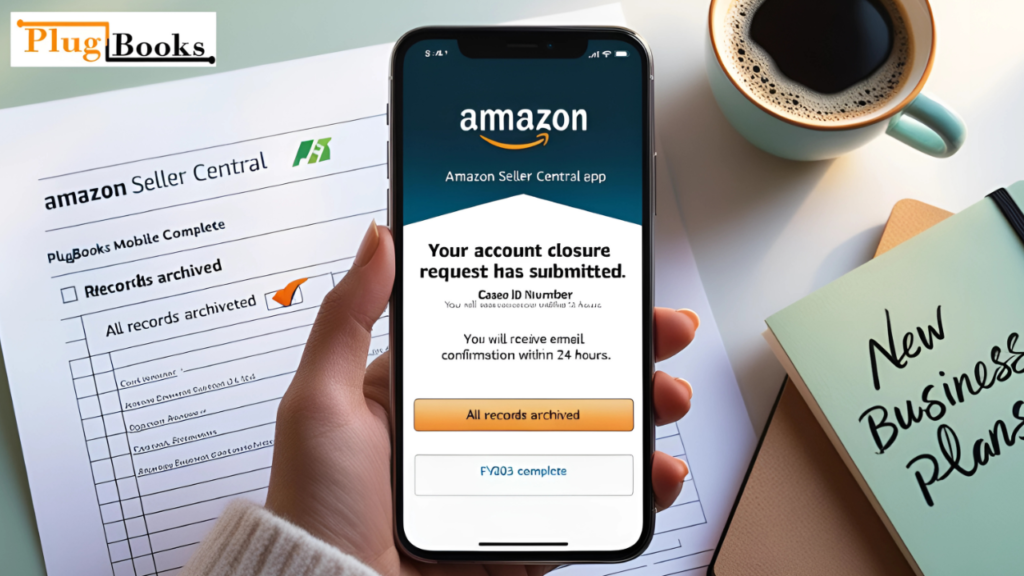
- Just watch for Amazon to email you a confirmation.
Note: The entire process of how to cancel your Amazon seller account may take up to 90 days to be fully completed, including the removal of your account data.
Important Things to Know Before You Cancel
When you ask yourself how do I cancel my seller account on Amazon, keep these factors in mind:
1.Subscription Fees
Before you close, make sure your Amazon monthly Professional Plan is stopped to prevent losing.
2. Data Retention
You won’t be able to read any reports or tax information you downloaded when you close your account.
3. Tax Documents
Before you delete your account, particularly if you have to file your taxes before the end of the year, make sure you download all of your tax records
These steps are crucial when asking how to cancel an Amazon seller account to avoid missing important data after closure.
What Happens After You Cancel Your Amazon Seller Account?
Once your account is closed, you will no longer be able to access it. This means:
- You will not be able to log into the account or reactivate it.
- Buyers cannot contact you or purchase from your advertisements.
- Amazon may retain some data for business or legal purposes.
This is important to remember when considering how do I cancel my seller account on Amazon. After your account is closed, it’s irreversible.
Amazon Seller Cancel Account: When Is It the Right Move?
There are several reasons why you may decide to cancel your Amazon seller account. Consider these scenarios:
- You want to close your account and are no longer interested in selling anything on Amazon.
- Your store is now housed on another eCommerce platform.
- You are aggregating numerous selling accounts under one.
- Purchasing items no longer brings you profit.
Should any of these events transpire for you, it’s time to consider closing your Amazon seller account.

Summary Checklist – How to Cancel Your Seller Account
Before closing your Amazon seller account, follow this checklist:
- Complete all pending orders and shipments.
- Sort any claims or arguments.
- Clear all of your present stock and listings.
- Get every sales record as well as tax file.
- Call off any ongoing payments.
- Ask formally that your account be closed via Seller Central.
How Plugbooks Can Help During This Transition
When you’re in the process of closing your Amazon seller account, keeping your financial data organized is critical. Plugbooks.io makes this process much easier by offering features like:
- Detailed Transaction Tracking: Track every sale, fee, and refund.
- Automatic Sales Reconciliation: Syncing all of your Amazon sales in real time will help you to ensure they are accurate. Automatic Sales Reconciliation
- Seamless QuickBooks Integration: Export your data to QuickBooks to quickly and simply handle accounting.
- Profit & Loss Summaries: By clearly understanding your last performance, you will be able to evaluate the overall performance of your company.
- Inventory Breakdown: Before you close your account, find the value of your remaining goods.
By linking to QuickBooks, Plugbooks.io ensures that your financial management stays seamless even if you close your Amazon selling account.
Final Thoughts
If you’ve been asking how do I cancel my seller account on Amazon, it’s important to know that the process involves more than just closing your account it’s about organizing your business data, resolving all transactions, and ensuring that all necessary reports are downloaded before closure. Ignoring any element of this process could cause unexpected financial difficulties or delays.
Using Plugbooks.io would simplify your money management throughout this period since it includes capabilities that complement QuickBooks exactly. This will enable you to guarantee accurate and orderly accounting and tax returns.

Disclaimer
This blog is only for your information; it is not intended to be legal, tax, or business advise. Talk to your accountant or business consultant always before closing your Amazon seller account.