




If you sell on eBay, you already know one thing: competition never sleeps.
Prices change every hour, sellers slash rates suddenly, demand shifts fast—and if you’re not watching the market, you get left behind.
That’s exactly why an eBay price history tracker is a must-have tool. It helps you see what really happens behind the scenes so you can make smart, profitable pricing decisions.
Before we dive deep, let me share a quick personal story…
⭐ My Personal Experience
When I first started selling on eBay, I priced my product based only on what I saw at that moment.
One day, a product was selling for $19.99, so I listed mine for $18.99 thinking I got the edge.
But after a week, I barely made any sales.
When I checked the price history, I found out the price had been dropping and rising constantly. Some sellers lowered prices only for a few hours, then pulled them back up. I had unknowingly priced too low during a temporary dip—and lost profit for no reason.
That’s the day I learned that tracking price history is more powerful than checking just today’s price… and it changed the way I sell forever.
What Is an eBay Price History Tracker?
An eBay price history tracker records past prices of any product and shows how the price changes over time.
It gives you:
- Past pricing trends
- Competitor movement
- Demand patterns
- Seasonal price changes
- Sudden drops or spikes
- Alerts when price changes
In simple words:
It reveals what normal eBay doesn’t show you.
Key Benefits of Using an eBay Price Tracker
Using a tracker helps you:
- Stay ahead of competitors
- Avoid price wars
- Choose the perfect selling price
- Predict future demand
- Find profitable selling windows
- Identify products worth selling
When you understand how prices move, you no longer guess—you plan.
Get Full Tracking, Research & Competitor Insights
A good tracker doesn’t only show price history.
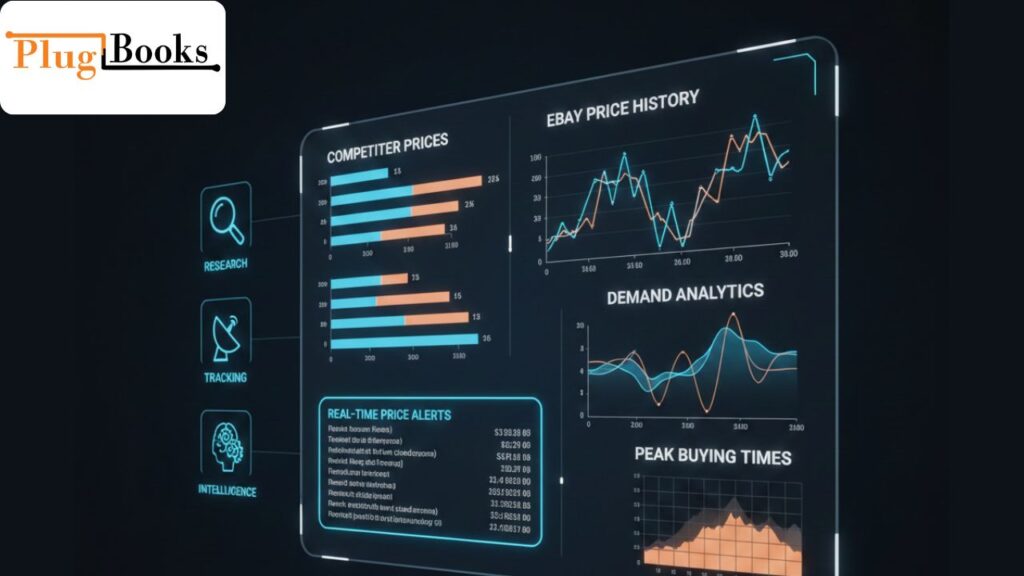
It also reveals:
- Competitor pricing habits
- How often they change prices
- Peak buying times
- Hidden listing strategies
- Market intelligence tools
- Price alerts
- Demand analytics
These features literally give you a competitive advantage.
Does eBay Have a Price Checker?
eBay itself provides only current prices and sometimes average selling prices.
But it does not offer:
❌ Full price history
❌ Competitor tracking
❌ Automated alerts
❌ Market comparison
❌ Long-term trends
This is why sellers rely on third-party trackers.
Why Sellers Need to Track eBay Product Prices
Tracking prices helps you:
- Avoid overpricing
- Avoid underpricing
- Understand the real value of your item
- Stay competitive without panic
- Improve decision-making
- Increase sales and profits
In short: you price smarter.
How to Create an eBay Price Tracker for Any Product
You can create a tracker in different ways:
1. Manual Price Checking
You bookmark competitors and check their prices regularly.
(Not recommended—time consuming!)
2. Browser Extensions
Many tools track price history directly on product pages.
3. Dedicated Tracker Software
These tools send alerts, track history, and monitor competitors automatically.
4. Spreadsheet Method
Some sellers record daily prices in Excel, but it’s very slow.
If you want results fast, tools are the best option.

How to Set Up a Price History eBay
Here is how you can set one up:
- Select a free tracker tool
- Open any eBay listing
- Copy the product link
- Paste it into the tracker
- Turn on price alerts
- Check the history graph
- Monitor the changes daily or weekly
Most free tools are enough for basic tracking, but they usually have limitations like fewer alerts or shorter history.
Advanced Seller Strategy: Reading Price Trends to Beat Competitors
Here’s how smart sellers use price data:
✔ Catching temporary dips
Don’t lower your prices when competitors drop temporarily.
✔ Identifying peak selling seasons
Raise prices when demand naturally rises.
✔ Avoiding unnecessary price wars
Let competitors drop their prices too low—stay profitable.
✔ Predicting the best time to list
List when prices trend upward, not downward.
✔ Tracking steady sellers
See which items stay stable and profitable year-round.
These small strategies add up to big profit differences.
Common Mistakes Sellers Make When Tracking Prices
Avoid these beginner mistakes:
- Only checking today’s price
- Following competitor drops blindly
- Not monitoring shipping cost impact
- Ignoring seasonal fluctuation
- Not setting price alerts
- Using trackers inconsistently
A tracker only works when you use it consistently.
How PlugBooks Helps eBay Sellers with Price Tracking
PlugBooks isn’t just a bookkeeping app—it becomes your business brain.
Here’s how PlugBooks helps:
- Tracks your product profitability after price changes
- Shows you real profit after eBay fees, shipping, and taxes
- Helps you compare pricing strategies
- Gives clear financial insights
- Connects with your marketplace data
- Helps you understand which pricing decisions improved sales
When you combine price tracking + PlugBooks analytics, you make decisions based on data, not guesses.

Security & Data Safety Tips
When using trackers, make sure:
- You choose trusted tools only
- Avoid unknown browser extensions
- Don’t give login details to third-party tools
- Keep your eBay account protected
- Use 2FA for security
Safety first!
FAQs
1. Is an eBay price tracker free?
Yes, many offer limited free versions.
2. Can a tracker increase my sales?
Absolutely! Better pricing = better conversions.
3. How often should I check price history?
At least once a day in competitive niches.
4. Does eBay notify about price changes?
No, eBay has no built-in price alerts.
5. Does price tracking work for auctions?
Yes, but it’s more effective for fixed-price listings.
Quick Recap
- Price tracking gives you a competitive edge
- You understand trends instead of guessing
- Competitor insights = smarter pricing
- Tools make tracking easy
- PlugBooks helps match pricing with profit analytics
Conclusion
If you want to win on eBay, you can’t price blindly.
Prices move fast, competition is strong, and trends shift constantly.
With an eBay price history tracker, you stop reacting blindly and start making strategic pricing decisions that boost sales and profits.
Combine the tracker with PlugBooks, and you’ll always know which pricing plan is truly profitable.Start tracking. Start analyzing.
Start beating the competition—smartly and confidently.