



Choosing the best accounting system for Mac users can feel overwhelming in 2026. With so many options available, from cloud-based solutions to desktop apps, it’s important to pick a system that is compatible, secure, and tailored to your business needs.
Here’s what this guide covers:
- Top accounting software features for Mac users
- How to choose software that fits your business
- Key integrations for eCommerce sellers
- Pricing and scalability considerations
- How PlugBooks can simplify your bookkeeping
By the end of this guide, you’ll know how to select the best accounting software that saves time, reduces errors, and keeps your finances organized.
Why Choosing the Right Accounting Software Matters
Choosing the right system isn’t just about keeping records — it affects cash flow, taxes, and overall business efficiency. The ideal software should:
- Work seamlessly on macOS
- Automate repetitive bookkeeping tasks
- Provide clear, real-time financial reports
- Integrate with eCommerce platforms
- Be secure, reliable, and easy to use
Top Accounting Features Mac Users Should Look For in 2026
When evaluating software, focus on these key features:
- macOS Compatibility – Ensure the software works natively on Mac or via a secure cloud platform.
- Automation Tools – Look for recurring invoices, bank syncing, and expense tracking to save time.
- eCommerce Integration – Seamless connection with Amazon, eBay, Shopify, or payment gateways.
- Reporting & Analytics – Customizable dashboards, tax-ready statements, and actionable insights.
- Security & Support – Encryption, multi-factor authentication, and responsive customer service.
- Pricing & Scalability – A system that grows with your business without hidden costs.
How to Choose the Best Accounting System for Mac Users (2026 Tips)
- Define Your Needs: Consider business size, number of users, and complexity of transactions.
- Check for Cloud Access: Cloud-based solutions provide flexibility and remote access.
- Prioritize Automation: Automate repetitive bookkeeping tasks for accuracy and efficiency.
- Ensure Integrations: Confirm it works with your eCommerce or financial platforms.
- Evaluate Support & Training: Look for accessible help and resources to get started quickly.
Common Mistakes Mac Users Make
- Choosing software just because it’s popular
- Ignoring hidden fees or add-ons
- Overlooking eCommerce integration
- Selecting a system that doesn’t scale with growth
Avoiding these mistakes ensures you invest in a system that truly supports your business.
PlugBooks — Simplify Your Mac Bookkeeping
Managing your finances as a Mac user has never been easier. PlugBooks is designed specifically for eCommerce sellers and small businesses who want accurate, automated, and stress-free bookkeeping.
With PlugBooks, you can:
- Seamlessly sync with Amazon, eBay, and Shopify
- Automatically track sales, expenses, and taxes
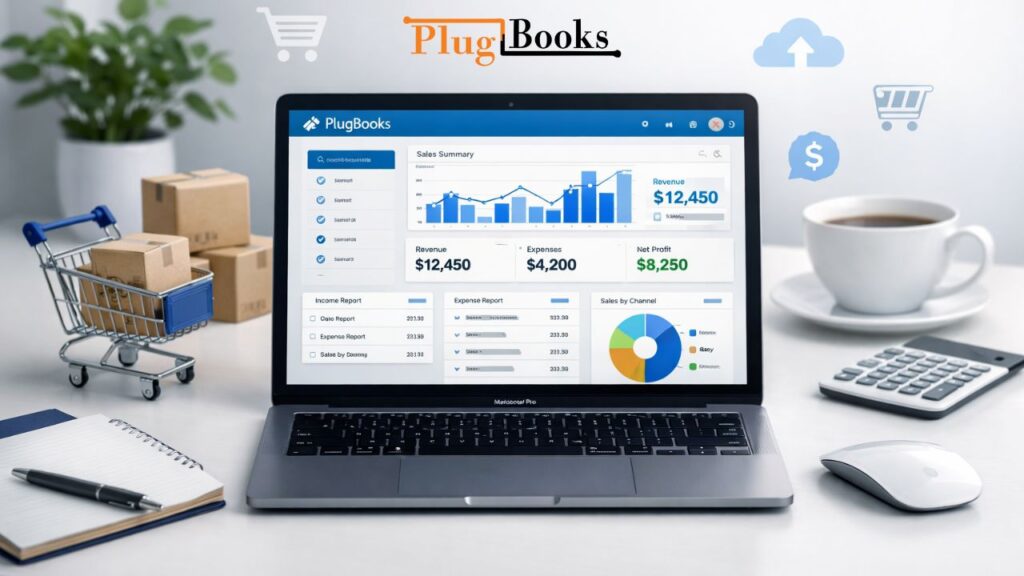
- Generate financial statements instantly
- Save hours of manual data entry
Say goodbye to messy spreadsheets — PlugBooks keeps your finances organized and your mind at ease, making bookkeeping simple for Mac users in 2026.

FAQs
Q1. Can Mac users use cloud accounting efficiently?
Yes, cloud-based accounting works perfectly on Mac, offering flexibility, remote access, and automation.
Q2. What’s the best free accounting software for Mac?
While there are free options, PlugBooks offers a professional solution with automated bookkeeping and eCommerce integration.
Q3. Can accounting software track multiple sales channels?
Yes, PlugBooks automatically tracks Amazon, eBay, Shopify, and other platforms in one dashboard.
Q4. Is PlugBooks secure for Mac users?
Absolutely — PlugBooks uses encryption and secure logins to protect sensitive financial data.
Q5. How do I know which software is right for my Mac business?
Focus on your business size, eCommerce needs, reporting requirements, and automation. PlugBooks covers all these areas.
Quick Recap
Choosing the best accounting software for Mac in 2026 comes down to:
- macOS compatibility
- Automation & reporting
- eCommerce integrations
- Security & scalability
PlugBooks is built to simplify Mac bookkeeping, helping sellers save time, reduce errors, and keep finances organized.

Conclusion
Finding the right accounting software for Mac users doesn’t have to be stressful. Whether you’re a freelancer, small business owner, or eCommerce seller, understanding your needs, integrations, and automation features is key.
For Mac users looking for streamlined, accurate, and automated bookkeeping, PlugBooks is the ultimate solution — combining efficiency with ease of use. Start using PlugBooks today and take control of your finances with confidence.