



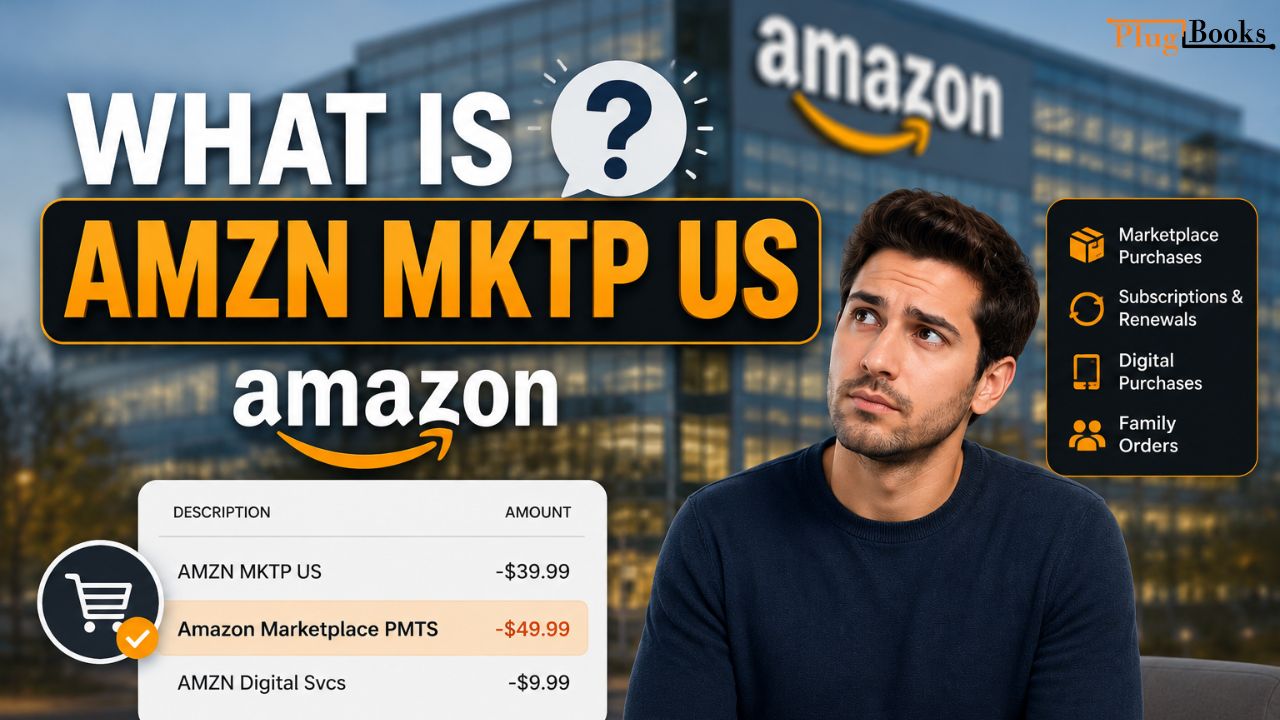
If you’ve noticed AMZN MKTp US or Amazon Marketplace PMTS on your credit card or bank statement, you may be wondering what is AMZN MKTp US and why this charge appeared. These billing descriptors are commonly associated with Amazon purchases, subscriptions, or payments processed through Amazon’s Marketplace. While most charges are legitimate, it’s important to understand exactly what they represent before assuming they’re unauthorized.
In this guide, we’ll explain the Amazon Marketplace PMTS meaning, why these charges appear on your statement, how to identify the exact transaction, and what steps to take if you don’t recognize the payment or want to dispute or cancel an Amazon Marketplace charge.
What is AMZN MKTp US?
Though at first look “AMZN MKTp US” seems like a strange charge, it is really rather frequent. “AMZN MKTp US” describes a purchase from Amazon’s Marketplace. Amazon is AMZN; MKTp is short for the Marketplace; US denotes that the transaction takes place in the United States. Basically, seeing this charge indicates that you bought something via Amazon’s independent vendors.
Amazon Marketplace is an online platform where third-party sellers can list and sell their products. If you’ve bought anything from a seller outside of Amazon itself, this charge would appear as “AMZN MKTp US” on your bank or credit card statement.
Why Do I See Amazon US Purchase on My Bank Statement?
This charge could show up on your bank or credit card statement for a few reasons. Usually, this indicates that you made a purchase on Amazon via a third-party seller under Amazon’s marketplace system. Here are some possible causes for it showing up:
- Purchases from Third-Party Sellers: Should you have bought a good on Amazon from a vendor other than Amazon itself, it will show up as “Amazon US Purchase.”
- Digital Purchases:Charges for digital products including Kindle books, Amazon Prime Video, or apps you purchased from Amazon will often show as AMZN MKTp US.
- Subscriptions or Renewals Should you have registered for a subscription or renewed an Amazon service, such Amazon Prime, you will probably see this fee shown as well.
- Family and Friends: Occasionally someone else may have made a purchase using your account, indicating Amazon Marketplace US on the transaction.
For Amazon sellers, monitoring marketplace charges and reconciling transactions can become time-consuming. PlugBooks simplifies Amazon transaction tracking and accounting so you can manage your finances with greater accuracy and confidence.

Pending Authorization Charges
Sometimes Amazon places a temporary authorization charge when you place an order or update your payment method. This is not a final charge and usually disappears within a few days if the payment is not completed. Temporary authorization holds help verify that your payment method is valid.
How to Identify the Exact Charge?
Use the following techniques to determine the precise nature of an Amazon transaction:
- Examine your Amazon orders. Reviewing your Amazon order history is the easiest approach to confirm any Amazon Marketplace transaction. Just log into your Amazon account, then search “Your Orders” for any recent subscriptions or purchases.
- Examining the Amount: To verify what the AMZN MKTp US charge is for, cross-reference the amount with your Amazon purchases.
- Amazon Email Receipts: After every purchase on Amazon, you receive an email confirmation. This email will detail the transaction, including the product or service purchased.
Amazon vs Amazon Marketplace
Amazon and Amazon Marketplace are closely connected, but they are not exactly the same. Amazon can sell products directly to customers, while Amazon Marketplace allows independent third-party sellers to list and sell products through Amazon’s platform. Understanding this difference can make it easier to identify an unfamiliar charge on your bank or credit card statement.
| Feature | Amazon | Amazon Marketplace |
|---|---|---|
| Seller | Amazon sells the product directly | Independent third-party sellers sell products |
| Products | Products sold directly by Amazon | Products listed by different marketplace sellers |
| Payment | Payment is processed through Amazon | Amazon processes the payment for the marketplace transaction |
| Order Support | Amazon generally handles the order | The seller may handle some order issues through Amazon |
| Statement Charge | May appear as an Amazon-related transaction | May appear as AMZN MKTp US or another Marketplace billing descriptor |
In simple terms, Amazon sells products directly, while Amazon Marketplace provides a platform for third-party sellers to sell through Amazon. This distinction can help when checking an unfamiliar Amazon-related transaction.
How to Dispute an Amazon Charge?
If you’ve found an AMZN MKTp US charge that you didn’t authorize or want to cancel, it’s crucial to take the right steps to resolve the issue. Here’s how to do it:
1. Contact the Seller
If the payment is from a third-party seller on Amazon Marketplace, you should contact the seller directly. You can do this on Amazon’s Order Details page. Locate your order and click the “Problem with order” button to get in touch with the seller.
2. Request a Refund
Amazon has a refund policy that lets you ask for money back on qualified orders. If it’s within the return period (usually 30 days), you can begin the return process from your Amazon account.
3. Cancel Your Subscription
To stop subscriptions like Amazon Prime or other recurring charges, just go to your Amazon account settings.
- Go to Account & Lists on the top right of your Amazon homepage.
- Click on Your Memberships & Subscriptions.
- Find the subscription you wish to cancel and select Cancel or End Membership.
4. Contact Amazon Customer Service
If you can’t fix the problem yourself or if the charge looks strange, it’s best to contact Amazon’s customer support. They can explain the charge, help with returns, or provide more guidance.
To get in touch with Amazon help, go to their support page.
5. Dispute the Charge with Your Bank
If the charge is unauthorized or fake and you can’t fix it with Amazon, you can reach out to your bank or credit card company to challenge the charge
Is This Amazon Charge Unauthorized?
If you see a charge for AMZN MKTp US and don’t know it, it doesn’t necessarily mean it’s a scam. In some cases, this might mean that someone is using your account without permission. If you think there might be scam, look at your Amazon account for any orders you did not make.
- Check Your Amazon Account for any unauthorized orders.
- Change Your Password to ensure no one else is accessing your account.
- Enable Two-Factor Authentication to add an extra layer of security to your Amazon account.
If you still can’t find any explanation for the charge, contact Amazon’s customer service immediately to report the issue.
How to Avoid Unrecognized Amazon Transactions
Here are some suggestions if you wish to avoid any future surprise AMZN MKTp US fees:
- Review Your Orders Often: Watch your Amazon account and routinely review your order history.
- Manage Subscriptions: Be sure to review any active subscriptions linked to your Amazon account and cancel any you no longer need.
- Set Up Payment Alerts: Many banks and credit card companies offer transaction alerts, which can help you spot unauthorized charges right away.
What Are Amazon Marketplace PMTS?
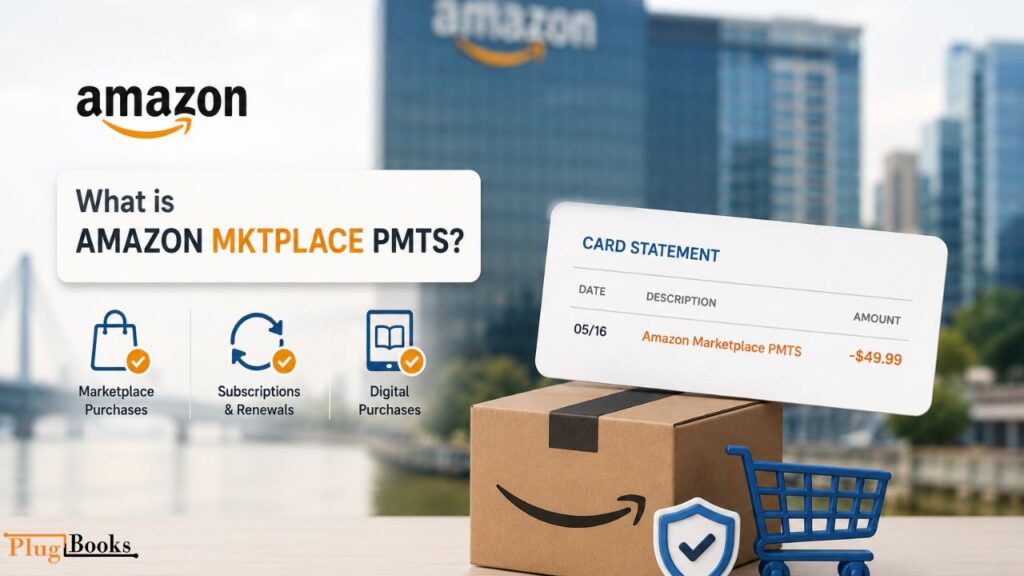
Many people wonder about the Amazon Marketplace PMTS meaning when they notice this description on their bank or credit card statement. Amazon Marketplace PMTS stands for Amazon Marketplace Payments and indicates that Amazon has processed a payment for a purchase, subscription, or digital service through its payment system. In many cases, the charge is linked to products sold by third-party sellers on Amazon Marketplace, although it can also appear for certain Amazon services depending on how the transaction is processed.
If you see Amazon Marketplace PMTS on your statement, it may be related to:
- A product purchased from an Amazon Marketplace seller
- A recurring subscription or membership renewal
- Digital purchases, such as Kindle books, Prime Video rentals, or apps
- An order placed by an authorized family member using your Amazon account
To confirm the charge, check your Amazon Order History, Digital Orders, and Memberships & Subscriptions. If you still cannot identify the transaction, contact Amazon Customer Service before disputing the payment with your bank.
FAQs
1. What is the difference between Amazon.com and Amazon Marketplace US?
Amazon.com sells products directly from Amazon, while Amazon Marketplace US also includes items sold by independent third-party sellers on the platform.
2. Why do I have an Amazon Marketplace charge on my bank statement?
An Amazon Marketplace charge usually appears when you buy an item from a third-party seller, renew a subscription, or someone else uses your account to place an order.
3. Why am I seeing an unknown Amazon Marketplace US charge?
An unknown charge may be linked to a forgotten purchase, a subscription renewal, a family member’s order, or an unauthorized transaction that should be investigated.
4. What does “AMZN Mktp US AMZN.com/Bill WA” mean?
This descriptor generally indicates an Amazon transaction processed through Amazon’s billing system, often associated with purchases, subscriptions, or digital services.
5. What does “AMZN Mktp FR” stand for?
AMZN Mktp FR refers to a transaction made through Amazon’s French marketplace. It may appear if you purchased from Amazon France or subscribed to a service billed through that region.
6. Why did I receive an unknown charge from Amazon Digital Services?
Unknown digital service charges are often related to subscriptions, e-books, streaming services, app purchases, or in-app transactions connected to your Amazon account.
7. What does “AMZN MKTP DE” mean on my bank statement?
AMZN MKTP DE typically refers to a purchase or subscription processed through Amazon Germany and may appear if you bought products or digital services from that marketplace.
8. How can I identify an unfamiliar Amazon charge on my statement?
You can identify the charge by reviewing your Amazon order history, checking subscriptions and digital purchases, and verifying whether anyone else has access to your account.
9. Why does Amazon charge me before my order arrives?
Amazon usually charges when an item ships. However, digital products, subscriptions, and temporary authorization holds may appear earlier.
10. Can Amazon split one order into multiple charges?
Yes. If items ship separately, Amazon may process multiple charges instead of one combined payment.
11. Is AMZN MKTp US always from a third-party seller?
Not always. While it commonly refers to Amazon Marketplace purchases, similar billing descriptors can also appear for certain Amazon services, subscriptions, or digital purchases depending on how the transaction is processed.
Conclusion
Particularly for purchases made through Amazon’s Marketplace involving third-party vendors, the AMZN MKTp US charge is a common label used for Amazon transactions. Whether it’s a book, subscription, or physical product, this charge usually indicates an order placed through Amazon. If you’re unsure about a charge, the steps outlined above can help you identify and, if necessary, resolve it.
Always review your orders and payment details regularly to catch any unexpected charges. For Amazon sellers who want better visibility into their transactions and financial records, PlugBooks can help simplify order tracking and accounting management.
