



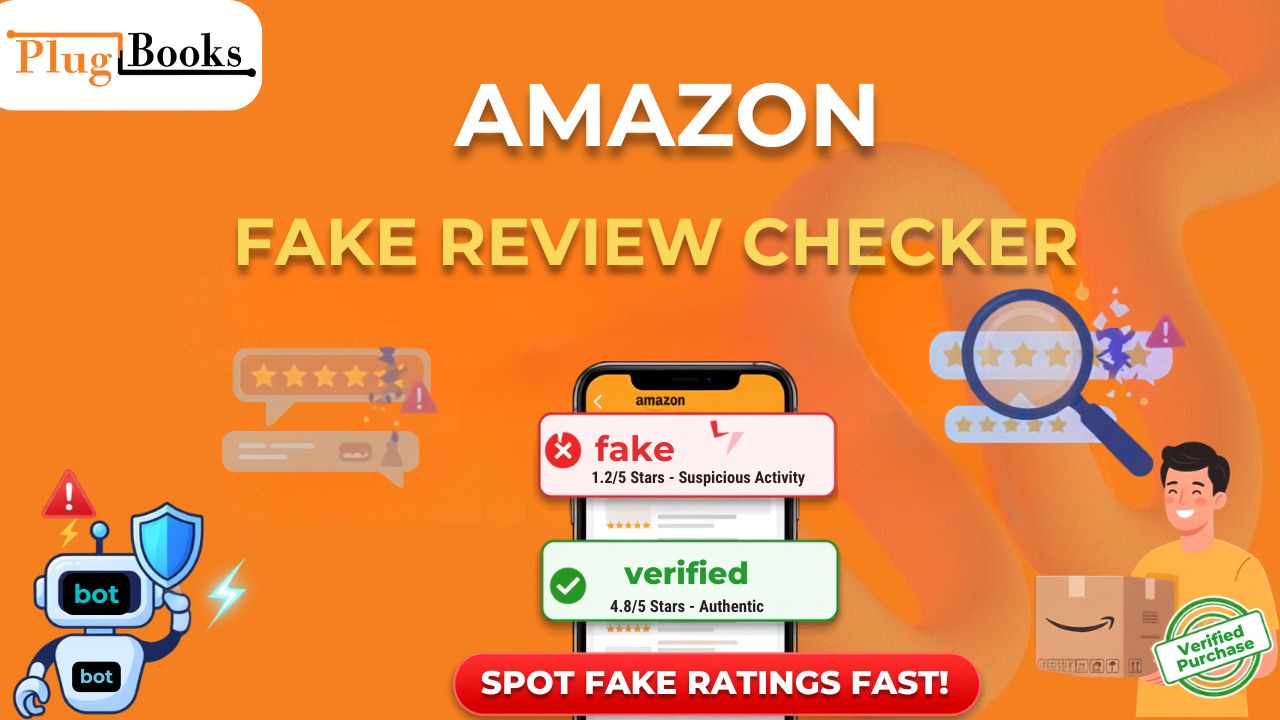
Let’s be honest: reviews can completely make or break a product on Amazon. Unfortunately, fake reviews have become a shortcut some sellers use to artificially boost sales. That’s where an Amazon fake review checker comes in, helping both everyday shoppers and honest sellers weed out the bogus ratings.
Whether you’re trying to figure out how Amazon detects fake reviews, looking up your own purchase history, or figuring out why my amazon review is not showing, this guide covers everything you need to know. We’ll also look at how to check amazon reviews for fake red flags, figure out how to get more reviews on amazon the right way, and how tools like Plugbooks keep your backend operations running smoothly.
What is an Amazon Fake Review Checker?
Simply put, an Amazon fake review checker is a tool designed to spot biased, bought, or dishonest ratings. These usually come from shady sellers or paid reviewers who haven’t actually touched the product.
Using one of these checkers helps buyers make smarter purchasing decisions while protecting honest brands from getting drowned out by fraudulent competition.
How Amazon Detects Fake Reviews Behind the Scenes
While third-party tools give you a quick snapshot on the front end, Amazon has invested heavily in sophisticated AI and machine learning systems behind the scenes. If you want to know how amazon detect fake reviews, the platform looks at a massive web of data points:
- AI & Text Screening: Natural Language Processing (NLP) models scan for template-generated text, weirdly generic phrasing, and bot-like writing styles repeated across different accounts.
- Behavioral Network Tracking: The algorithm maps out “review rings”—groups of accounts created at the same time, operating from suspicious IP ranges, or reviewing the exact same obscure products.
- Velocity Tracking: If a listing suddenly pulls in hundreds of 5-star reviews over a 24-hour window, Amazon’s automated filters instantly flag it for suspicious spikes.
- Verified Purchase Signals: The system cross-references account history, shipping data, and device footprints to see if the reviewer actually interacted with the item.
Managing Your Profile: Finding and Troubleshooting Reviews
Whether you’re a shopper looking back at your own history or a vendor wondering about missing feedback, navigating Amazon’s interface can be tricky.
How to Find My Reviews on Amazon
If you’re hunting down your past contributions, it’s actually pretty easy to pull up your amazon my reviews dashboard:
- Log into Amazon and head over to Your Account.
- Scroll down to Ordering and shopping preferences and click on Your Profile.
- Scroll through your public profile page to view your community activity, submitted ratings, and uploaded photos under the Reviews tab. (Pro tip: You can bookmark your unique public profile link for quick access later!).
Why is My Amazon Review Not Showing?
Ever dropped a review only to wonder, why is my amazon review not showing? It’s super frustrating, but usually happens for a few reasons:
- Community Guideline Slips: Mentioning external shipping problems, pricing disputes, or promotional links will get an automated block.
- Unverified Status: If you didn’t buy the item through Amazon, your review faces much stricter algorithmic filtering.
- Account Flags: Brand new accounts or profiles that post too many reviews too quickly often get temporarily held for manual screening.
How to Get More Reviews on Amazon (Legitimately)
If you’re a seller, you know you need social proof to convert browsers into buyers. However, trying to game the system will only get you banned. Knowing how to get more reviews on amazon safely comes down to playing by the rules:
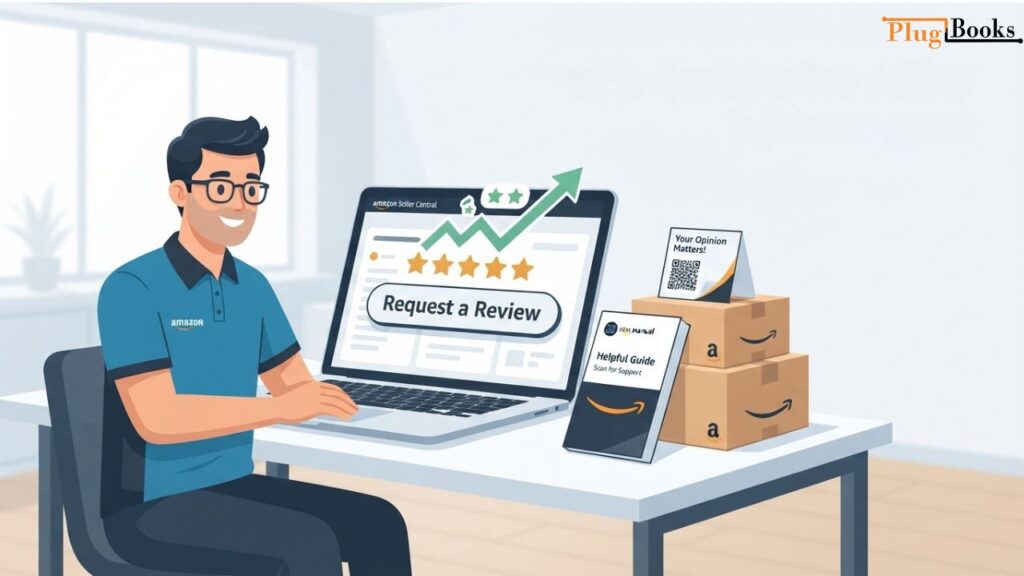
- Use the Official “Request a Review” Button: Hit this button in Seller Central within the allowed 4-to-30-day post-delivery window.
- Join the Amazon Vine Program: This is Amazon’s official, legal way to get trusted, unbiased opinions from top-tier reviewers.
- Focus on the Unboxing Experience: Include helpful product guides or user manuals that naturally inspire happy customers to leave feedback.
Fake Amazon Review Checker: Benefits for Sellers
Building real consumer confidence means keeping your product listings squeaky clean. Relying on an Amazon fake review checker gives your business a few major perks:
- Protects Brand Integrity: Wiping out bogus reviews keeps your product reputation honest and accurate.
- Boosts Buyer Trust: Customers are way more likely to buy when they know the glowing reviews are from real people.
- Fends Off Dirty Competitors: Sadly, rivals sometimes use fake reviews to torpedo your listings. Review checkers help you spot these attacks early.
- Improves Product Insights: Real customer feedback gives you genuine data you can use to improve your products.
Stop Losing Money to Bad Accounting: Enter Plugbooks
Juggling inventory, chasing customer feedback, and trying to decipher messy Amazon settlement reports can easily drain your time and energy. That’s why growing e-commerce brands rely on Plugbooks.io. It acts as a dedicated financial bridge, syncing your Amazon and eBay sales data directly into QuickBooks Online or Xero so you never have to manually untangle fees, refunds, and taxes again.
Why Amazon Sellers Use Plugbooks:
- Auto-Syncing: It automatically syncs your Amazon sales and fee data so your books are always up to date.
- Multi-Channel Support: It doesn’t just work for Amazon; it handles eBay and other platforms, keeping all your sales channels unified.
- Real-Time Reporting: Get instant clarity on your fees, expenses, and profitability so you can make smarter business moves.

Conclusion
Using an Amazon fake review checker and understanding how Amazon’s backend AI sniffs out fraud is vital for both shoppers and sellers. By learning how to track your profile, avoiding the traps that hide your feedback, and utilizing tools like Plugbooks to keep your accounting stress-free, you can protect your brand and build a genuinely trustworthy e-commerce business.
Frequently Asked Questions
1. What tools work best to check amazon reviews for fake ratings?
Answer: Trusted third-party utilities like Fakespot (by Mozilla) and ReviewMeta are widely used by consumers and vendors to audit product listings. These platforms analyze review velocity, linguistic patterns, and reviewer histories to assign an adjusted, trustworthy rating score, helping buyers sidestep heavily manipulated listings.
2. How do automated algorithms determine how Amazon detects fake reviews?
Answer: Amazon utilizes sophisticated machine learning and Natural Language Processing (NLP) models on its backend to analyze thousands of data signals simultaneously. The system evaluates text repetitiveness, account creation dates, IP address clusters (“review rings”), and sudden volume spikes within 24-to-48-hour windows to catch fraud before it influences search rankings.
3. Where can a customer look to find instructions on how to find my reviews on amazon?
Answer: Shoppers can locate their public contribution history by logging into their account, navigating to Your Account, selecting Your Profile under the shopping preferences section, and clicking on the Reviews tab. This page compiles all submitted star ratings, multimedia uploads, and community feedback into a single shareable profile dashboard.
4. What steps resolve common errors regarding why is my amazon review not showing?
Answer: Missing or invisible feedback typically stems from automated community guideline filters triggering due to unverified purchase statuses, prohibited external links, pricing complaints, or review velocity limits on brand-new profiles. Ensuring the feedback focuses strictly on product performance without promotional text helps prevent suppression.
5. What compliant methods dictate how to get more reviews on amazon legally?
Answer: Sellers can safely scale authentic social proof by utilizing Amazon’s official “Request a Review” button in Seller Central within the allowable post-delivery window, enrolling eligible products in the Amazon Vine program to receive trusted opinions from top reviewers, and designing clear, helpful product unboxing inserts that encourage voluntary customer feedback.
6. How can an e-commerce seller report fraudulent feedback through Seller Central?
Answer: Vendors can challenge dishonest ratings by locating the specific review on the live product detail page, clicking the “Report abuse” link, and following the prompts. For larger coordination campaigns or competitor manipulation attacks, sellers can gather ASIN details, order IDs, and timestamps to open a formal investigation ticket via Seller Support.
7. How does cross-channel management software like Plugbooks assist marketplace operators?
Answer: While Plugbooks.io functions primarily as an automated accounting bridge connecting platforms like Amazon and eBay to QuickBooks Online and Xero, its centralized dashboard gives digital merchants clear financial visibility, real-time fee tracking, and streamlined operational control while they monitor overall marketplace health.
8. How did Amazon’s recent variation updates impact product feedback visibility?
Answer: Amazon implemented policy shifts separating review sharing across parent-child variations that possess major functional differences. Under these guidelines, reviews only stay aggregated for minor variations like colors, pack quantities, or sizing, making independent ASIN tracking essential to prevent unexpected drops in review density.
