




If you want to give your brand a unique identity on Amazon, then understanding how to create an Amazon store front is a game changer. It’s not just about listing products; it’s about building trust and standing out. Whether you’re on desktop, Android, or iPhone, the process to create amazon store front is quick, smooth, and doesn’t require any technical skills.
Key benefits of creating an Amazon store front:
- Build a recognizable brand image.
- Display multiple products in one place.
- Increase customer engagement.
- Control your store design.
- Get better conversion and trust.
What Is an Amazon Store front?
An Amazon shopfront is a brand page that lets merchants show off all of their products in one place. It gives your clients a fluid shopping experience instead of a lot of different listings. A lot of successful sellers learnt how to establish an Amazon store front early on, and it helped them grow their businesses faster.
With a shopfront, you have complete creative control over banners, lifestyle photos, categories, and storytelling. This is different from conventional listings.

Who Can Create an Amazon Store front?
Before you create amazon store front, make sure you meet the requirements:
- A Professional Seller Account.
- Brand must be registered in Amazon Brand Registry.
- At least one active listing.
Once this is set, you can start setting up your storefront in just a few steps.
How to Create an Amazon Store front on Desktop
To understand how to build an Amazon store on a PC, follow these instructions carefully:
- Go to Seller Central and log in.
- Click on “Stores” and then “Manage Stores.”
- Choose your brand and then click “Create Store.”
- Put your brand logo, banners, and hero image on the site.
- Include categories of products and featured products.
- Check out your store and send it in for review.
Tip: To make a great impression, make sure your banners and pictures are good resolution.
How to Create an Amazon Store front on Android
You can also create amazon store front on the go:
- Open the Amazon Seller app.
- Tap “Stores” and choose your brand.
- Add logo, layout, and products.
- Submit for approval.
Android setup is simple and great for quick updates, especially when you’re managing your store remotely.
How to Create an Amazon Store front on iPhone
Making an Amazon store front is just as easy for iPhone users:
- Launch the Amazon Seller App.
- Click on “Stores” and then “Create New Store.”
- Add descriptions, categories, and branding images.
- Check out your store and send it in.
Many vendors like setting up their iPhones since it makes uploading pictures easy and lets them see what they’re doing live.
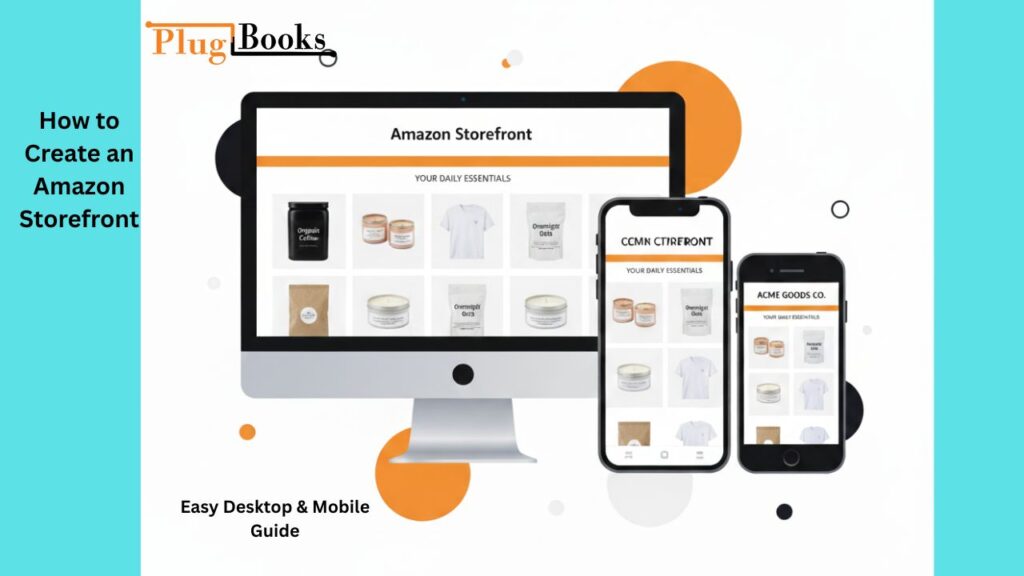
My Personal Experience with Creating an Amazon Store front
I utilised the desktop version of Amazon to learn how to create amazon store front. The step-by-step process went well, and the customisation tools let me be creative. But the major change happened after the launch: my brand sales went up by about 30% in the first month.
I also attempted editing on my Android phone during a product launch event later. It saved me time and let me make changes right away. One of the best things about learning how to make an Amazon store front work well is that you can be flexible.
How to Optimize and Customize Your Amazon Store front
A great storefront isn’t just about launching it; it’s about making it look professional:
- Use clear colours and banners that match your brand.
- Make groups like “Best Sellers,” “New Arrivals,” or “Bundles.”
- Include lifestyle photographs that tell the story of your brand.
- Make it easy and straightforward to get about.
- Keep up with new releases and seasonal deals on a regular basis.
To distinguish us from the competition, optimization is really important.

❌ Common Mistakes to Avoid
Many new sellers make small mistakes while trying to create amazon store front. These errors can affect your progress when learning how to make amazon store front the right way:
- Uploading low-quality product images.
- Leaving some sections empty.
- Not reviewing the storefront before publishing.
- Ignoring mobile optimization.
Avoid these, and your storefront will look polished from day one.
How Long Does Amazon Store front Approval Take?
Amazon usually takes one to three working days to go to your store. If your store is approved or needs adjustments, you’ll get an email. This timeline is the same no matter what device you use: desktop, Android, or iPhone.
PlugBooks Can Help Amazon Sellers Stay Financially Organized
Managing cash flow while growing your Amazon brand can be challenging. That’s where PlugBooks steps in. It’s built for Amazon sellers and connects seamlessly with QuickBooks and Xero to make financial tracking simple and fast:
- Monitor your income and expenses from one dashboard.
- Automate reports and bookkeeping without manual work.
- Stay fully tax-compliant with real-time data syncing.
- Get clear insights into your store’s financial performance.
Whether you’ve just learned how to build your Amazon store front or already manage one, PlugBooks can help you stay organized and grow faster with real-time accounting integration.

Frequently Asked Questions
Q1: How much does it cost to create an Amazon store front?
It’s free for sellers who meet eligibility requirements.
Q2: Can I create a storefront without Brand Registry?
No, Brand Registry is required.
Q3: Is it better to use desktop or mobile to set up a storefront?
️Desktop offers more customization, but mobile is great for quick edits.
Q4: How many products can I add?
You can add unlimited products under structured categories.
Q5: How to edit my storefront after approval?
Simply go to “Stores” in Seller Central and make your updates.
Last Thoughts
One of the best things a seller can do to promote their business is to learn how to set up an Amazon shopfront. You can set it up on a desktop, Android, or iPhone, and with the correct branding, it may be a great way to make sales.
Once you set up your Amazon store, keep making it better and adding new things on a regular basis. If you use solid accounting software like PlugBooks along with it, you’ll be able to keep track of both your brand and your numbers. If you’re still not sure how to build an Amazon store, now is the time to start. Make it once and let it do its job every day.