




Selling on Amazon can be rewarding; however, sometimes sellers need a temporary break for holidays, personal matters, or inventory updates. Fortunately, the Amazon seller vacation mode allows you to pause your store temporarily without negatively impacting account health or customer experience.
This guide covers:
- Benefits of vacation mode for sellers
- Step-by-step instructions to activate it in Amazon Seller Central
- Handling pending orders and customer communication
- Common issues and solutions
- How PlugBooks can support sellers during inactivity
By using vacation mode Amazon properly, sellers can safeguard account metrics while taking a break confidently.
What Is Amazon Seller Vacation Mode?
Amazon seller vacation mode temporarily pauses your listings while keeping your account active. Customers see a message indicating the store is temporarily unavailable, preventing new orders.
Key points:
- Temporary pause: Vacation mode changes eligible seller-fulfilled listings to Inactive.
- FBA distinction: FBA listings can remain active because Amazon handles their fulfillment.
- Customer visibility: Inactive seller-fulfilled listings are removed from Amazon product detail pages and search results.
- Account management: Sellers still need to handle existing orders, buyer messages, and return requests while away.
- Marketplace control: Vacation settings can be managed for individual marketplaces.
This feature ensures metrics stay intact while giving peace of mind.

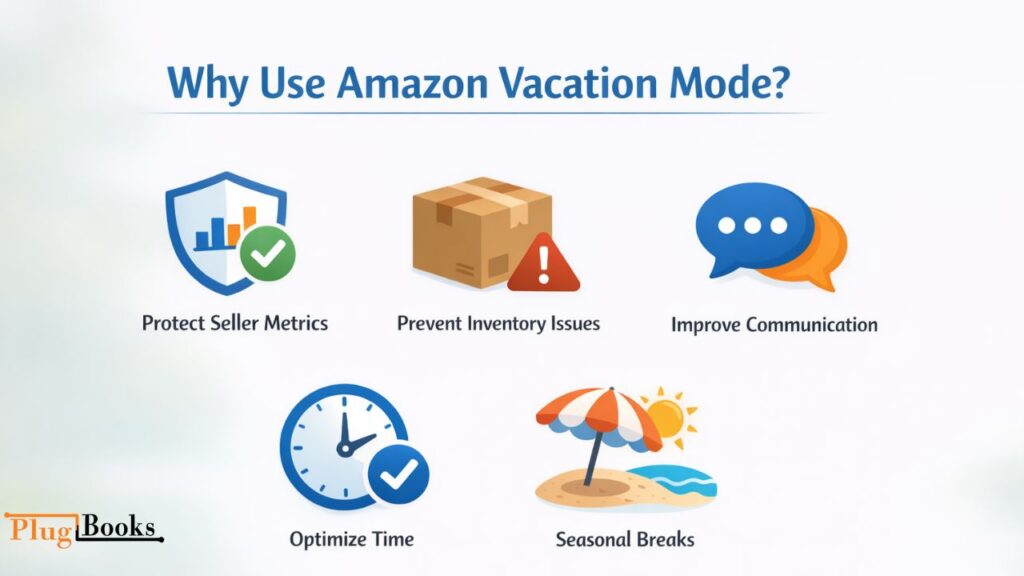
Why Use Vacation Mode?
Safeguard Seller Metrics
Delayed shipments can harm performance. Activating Amazon seller vacation mode prevents new orders and protects metrics.
Prevent Inventory Issues
Pause products low in stock or under updates to avoid overselling.
Enhance Customer Communication
Customers know your store is temporarily unavailable, reducing complaints.
Optimize Time Management
Focus on marketing, accounting, or research while pausing sales.
Seasonal or Emergency Breaks
Avoid backlogs during holidays or unexpected events.
How to Enable Amazon Seller Vacation Mode
If you’re wondering how to put your Amazon seller account on vacation mode, Seller Central lets you change your listing status through Settings > Account Info > Vacation Settings. From there, you can select the marketplace and switch eligible seller-fulfilled listings to Inactive before your break. Amazon says these listings can be removed from product detail pages and search results within about one hour.
1: Log into Seller Central
Access Amazon Seller Central and log in with credentials.
2: Access Account Info
Click Settings > Account Info for account management options.
3: Find Vacation Settings
Under Listings Status, select Amazon seller vacation settings.
4: Choose Listings to Pause
Decide whether to pause all listings or select SKUs.
5: Set Start and End Dates
Define exact dates; extend if unsure to avoid repeated adjustments.
6: Save Changes
Save your vacation settings after selecting the appropriate marketplace.
7: Verify Listing Status
Allow up to about one hour for seller-fulfilled listings to become inactive, then check the relevant product pages and search visibility before you leave.
Pro Tip: Notify loyal customers via storefront for transparency.
How to Make an FBA Listing Temporarily Inactive
If you’re searching for how to make an FBA listing temporarily inactive, keep in mind that Amazon’s vacation settings are designed around seller-fulfilled listings. FBA offers can remain active because Amazon handles fulfillment. If you need to stop a specific FBA product from receiving orders, use the appropriate listing or inventory controls in Seller Central rather than treating vacation mode as an FBA-specific pause.
This distinction is important when planning a break: vacation mode is not the same as temporarily deactivating an individual FBA listing.
How to Go to Vacation Mode on Amazon Seller Mobile
If you’re looking for how to go to vacation mode Amazon seller mobile, open the Amazon Seller app and look for Vacation Settings using the app’s menu or search function. The exact navigation can vary by app version, so if the setting is not immediately visible, searching for “Vacation Settings” can help locate it. Amazon seller community guidance also documents accessing vacation settings from the mobile app.
Before switching the status, check for pending seller-fulfilled orders and make sure someone can monitor buyer messages and return requests while you’re away.
Managing Orders and Customers During Vacation Mode
Even in vacation mode, sellers must manage existing orders carefully:
- Pending Orders: Fulfill orders before activating vacation mode Amazon.
- Customer Communication: Automatic notifications appear, but proactive messaging improves experience.
- Returns and Refunds: Standard Amazon policies still apply.
Proper management prevents negative feedback and maintains trust.

Problem Solving: Common Challenges and Solutions
1: Pausing Wrong Listings
- Cause: Accidentally selecting wrong SKUs in amazon seller central vacation mode.
- Solution: Double-check SKUs, use a checklist, confirm selection before saving.
2: Pending Orders During Break
- Cause: Orders placed before vacation still need fulfillment.
- Solution: Complete pending orders or delegate; notify buyers proactively.
3: Difficulty Reactivating Listings
- Cause: Sellers may forget to resume paused products.
- Solution: Set reminders; verify inventory using PlugBooks; manually resume listings.
4: Customer Confusion
- Cause: Buyers unsure why products are unavailable.
- Solution: Clear messaging: “We are currently on vacation and will resume on [date].”
5: Inventory Mismanagement
- Cause: Paused and active listings get mixed up.
- Solution: Track stock via PlugBooks; update inventory promptly after vacation.

Case Study: Vacation Mode in Action
A USA user, running FBM products, planned a 2-week break. Consequently, the user activated Amazon seller vacation mode via amazon seller central vacation mode, paused FBM listings, and notified customers. Meanwhile, pending orders were fulfilled, and PlugBooks tracked inventory.
As a result, no negative feedback occurred, account metrics stayed intact, and listings resumed smoothly after the vacation.
Takeaways:
- Check Amazon seller vacation settings before activating
- Notify customers proactively
- Fulfill pending orders
- Use PlugBooks for inventory and financial tracking

Best Practices for Using Vacation Mode
- Plan Ahead: Complete pending orders, check stock.
- Communicate Clearly: Update storefront and emails for loyal customers.
- Maintain Accounting Records: PlugBooks integrates with Amazon for sales, refunds, and fees.
- Monitor Critical Messages: Check communications to avoid escalations.
- Coordinate Ads: Pause campaigns for paused products to save budget.
How PlugBooks Supports Sellers During Vacation Mode
While listings are paused, PlugBooks provides:
- Accounting Integration: Sync Amazon transactions automatically
- Inventory Tracking: Track stock to avoid overselling
- Financial Reporting: Analyze profits, fees, and cash flow
- Tax Readiness: Maintain organized records
Even during vacation mode Amazon, PlugBooks keeps sellers informed and in control.
Conclusion
Strategically using Amazon seller vacation mode allows sellers to step away without affecting performance. Moreover, by protecting metrics and managing inventory efficiently, vacation mode is essential for responsible sellers.
Additionally, when paired with PlugBooks, accounting, inventory, and reporting remain accurate, thereby making the return smooth. Whether taking a holiday, handling personal matters, or updating stock, using vacation mode Amazon together with robust tools ensures your business continues to thrive in 2026.
FAQs
Q1: Can I receive new orders during vacation mode?
A: No. Only pending orders need attention.
Q2: How long can vacation mode stay active?
A: Amazon allows indefinite duration; plan realistic dates.
Q3: Will vacation mode affect seller ratings?
A: No. Metrics are protected by preventing late shipments.
Q4: Does Amazon vacation mode deactivate FBA listings?
A: Vacation mode is intended to make seller-fulfilled listings inactive. FBA listings can remain active because Amazon handles fulfillment.
Q5: How can I make an FBA listing temporarily inactive?
A: Vacation mode should not be treated as an FBA-specific listing control. If you need to stop an individual FBA offer, use the relevant listing or inventory controls in Seller Central.
Q6: Do I still need to answer customers in vacation mode?
A: Yes. Amazon says buyer messages and return requests still require attention while your listings are inactive, including the applicable 24-hour response expectation.
Q7: How long does it take for listings to become inactive?
A: Amazon says seller-fulfilled listings can take up to about one hour to be removed from product detail pages and search results after vacation mode is enabled.