




Amazon Seller Central to Xero integration can make ecommerce bookkeeping easier by bringing marketplace financial data into a more organized bookkeeping workflow. Amazon sellers need more than sales figures alone—they also need to track refunds, fees, commissions, taxes, settlements, payouts, and expenses accurately.
With PlugBooks, sellers can connect their Amazon store with Xero and simplify the process of organizing marketplace transactions and financial data. This helps create clearer records and gives sellers better visibility into their ecommerce performance.
What Is Amazon Seller Central to Xero?
Amazon Seller Central provides merchants with precise information on orders, fees, refunds, settlements and reimbursements. “Xero helps businesses get their house in order.
This lets Amazon sellers include key marketplace data into their accounting information, so they don’t have to rely solely on manual data entry. With a suitable organization, reconciliation may be made easier and financial records can be made more uniform.
Connecting Xero with Amazon can help sellers bring marketplace financial information into their regular bookkeeping workflow rather than managing these records separately.
Why Should You Integrate Your Amazon Store With Xero?
For sellers using Amazon Seller Central to Xero, connecting marketplace data with Xero can make it easier to:
- Amazon sales and transactional data arrangement
- Market fees & refunds tracking
- Commissions and other fees to be entered
- Arrange the Settlement and Payout Data
- Encourage reconciliation
- Keep better track.
- E-commerce revenue and spending tracking.
It can also save merchants that do a lot of business on Amazon a lot of time as it reduces the need to do bookkeeping by hand.
What Amazon Data Should Be Managed in Xero?
A complete ecommerce bookkeeping process needs to consider more than gross revenues. Depending on the selling platform, relevant data may include but are not limited to:
- Orders and sales
- Refunds
- Amazon fees
- Commissions
- Taxes
- Settlements
- Disbursements and payouts
- Business expenses
- Cost of goods sold (COGS)
This data control helps to better understand what you truly earn after marketplace fees and other costs.
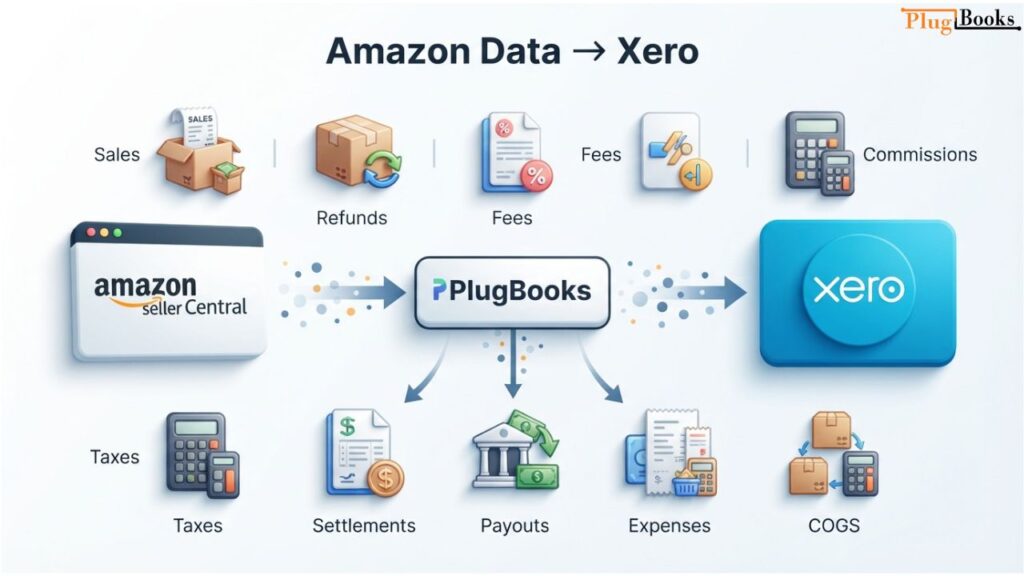
How PlugBooks Supports Amazon Bookkeeping With Xero
For an Amazon seller using Xero, keeping marketplace sales, fees, refunds, payouts, and COGS organized can make monthly bookkeeping more efficient. PlugBooks helps simplify this process by bringing important ecommerce financial data into a streamlined bookkeeping workflow.
PlugBooks assists sellers with sales, refunds, fees, commissions, taxes, settlements, payouts, costs and COGS to give a more full picture of their marketplace earnings.
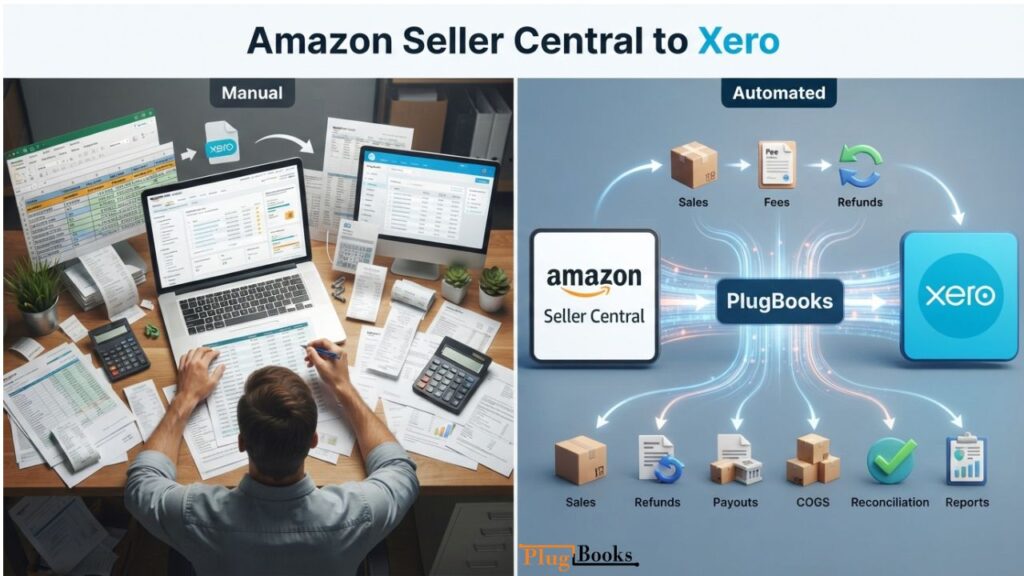
Amazon Seller Central to Xero: Manual vs. Automated Bookkeeping
When managing Amazon Seller Central to Xero bookkeeping, manual exports can work for sellers with relatively few transactions, but they can become difficult to maintain as order volume increases. Copying figures between systems can also create more opportunities for missing transactions, duplicate entries, or incorrect amounts.
An automated bookkeeping workflow can reduce repetitive data entry and make it easier to keep Amazon financial information organized in Xero.
| Bookkeeping Task | Manual Approach | With PlugBooks |
| Amazon sales | Enter or import data manually | Organize Amazon sales data in the bookkeeping workflow |
| Amazon fees | Review and record separately | Track marketplace fees more efficiently |
| Refunds | Manually reconcile refunds | Keep refund data organized |
| Settlements | Download and review reports | Manage settlement data more efficiently |
| Payouts | Match payouts manually | Organize payout information for reconciliation |
| COGS | Maintain separate records | Manage COGS within the bookkeeping workflow |
| Reconciliation | More manual checking | Simplify transaction review and reconciliation |
| Reporting | Combine data from different sources | Get a clearer view of ecommerce finances |
As Amazon sales grow, keeping transaction data organized becomes more challenging. A streamlined bookkeeping workflow can reduce repetitive work and make it easier to review marketplace income, expenses, payouts, and COGS.
Keep Your Amazon Bookkeeping Organized With PlugBooks
The more transactions there are, the more difficult it is to manage Amazon’s money. PlugBooks helps Amazon sellers enhance their online bookkeeping by connecting Amazon to Xero, making it easier to organise marketplace financial data and keep clearer records.
If you need to manage fees, reconcile payouts, track COGS or verify profitability, PlugBooks has a more organised way to do your Amazon bookkeeping.

Summary
Connect Amazon Seller Central with Xero to make your ecommerce bookkeeping easier. Good record-keeping of sales, refunds, fees, taxes, settlements, payouts, expenses, COGS, etc., allows sellers to keep clear financials and understand better how their firm is doing.
PlugBooks provides a streamlined approach to bookkeeping for Amazon sellers, helping organize marketplace financial data and maintain clearer records as sales grow. PlugBooks streamlines bookkeeping for Amazon sellers, reducing repetitive work, improving record accuracy, and making it easier to track Amazon expenses and funds.
Frequent Questions
How can I connect Amazon Seller Central to Xero?
Yes, Amazon sellers can integrate their marketplace data with Xero using a certified ecommerce bookkeeping system such as PlugBooks. It lets you track financial information such as sales, fees, refunds, settlements and other transactions.
Which Amazon transactions do you want to import into Xero?
Product sales, returns, Amazon charges, commissions, taxes, settlement amounts, payouts, business expenses, cost of goods sold are some of the important transactions. It may give you a better sense of how business will record these individually.
Does Xero get paid directly by Amazon?
This depends on the integration or accounting strategy you choose to achieve this. An ecommerce bookkeeping application can help handle Amazon settlement and payout information so that it can be processed in the sellers Xero workflow.
How does settlement reporting help accounting at Amazon?
Settlement reports show the money you received or disbursed during the settlement period (sales, refunds, fees, etc.) and other adjustments. They can help retailers match what Amazon pays them to their accounting records.
Can I view Amazon fees and refunds separately?
With a good bookkeeping approach, you will be able to keep track of Amazon fees and customer refunds independently from sales. It allows for more accurate financial reporting It’s easy to ignore gross income as actual profit
Do I need to manually enter Amazon data into Xero?
If you don’t have many transactions you can enter the data manually but it can take a lot of time as your sales grow. It also increases the possibility of missing entries, and data inaccuracy when many fees, refunds and settlements need to be entered.
Where Does COGS Fit in Amazon Accounting?
Cost of Goods Sold (COGS) The cost of the goods sold directly to the customer. By analysing COGS, along with Amazon revenue and marketplace fees, merchants receive a more realistic view of their profitability than looking at their sales alone.
Regarding Xero, PlugBooks can benefit Amazon businesses in several ways.
PlugBooks offers online bookkeeping services for Amazon businesses, connecting them to Amazon and Xero. It can be a more effective approach to help you to handle vital financial data such as sales, refunds, fees, commissions, taxes, settlement, payouts, costs and COGS.
