



Capture Amazon tax data is essential for sellers on Amazon in 2026. Selling on Amazon offers massive growth potential—but it also comes with one unavoidable responsibility: tax compliance. As sellers expand across states and regions, managing tax information becomes increasingly complex. Different tax rules, changing nexus laws, and incomplete reports can quickly turn tax season into a stressful experience.
That’s why learning how to collect and manage Amazon tax records accurately ensures compliance, prevents penalties, and gives you full clarity over what you owe and where. In this guide, you’ll learn exactly what Amazon tax data is, why it matters in 2026, and how sellers can capture, review, and manage it efficiently—without confusion.
What Is Amazon Tax Data?
Amazon tax data refers to the sales tax collected on your behalf when customers purchase your products. In states where Amazon has a sales tax nexus (physical or economic presence), Amazon automatically calculates, collects, and remits sales tax to the relevant tax authority.
However, Amazon’s role does not eliminate your responsibility as a seller.
You are still required to:
- Track collected sales tax
- Maintain accurate tax records
- Identify missing or incorrect transactions
- Report taxes in states where Amazon does not collect tax
This makes it essential for sellers to regularly capture Amazon tax data, review it carefully, and keep records up to date.
Why Capturing Amazon Tax Data Matters in 2026
Tax regulations continue to evolve, and enforcement has become stricter. In 2026, sellers face:
- Increased audits
- Expanding economic nexus laws
- Higher penalties for inaccurate reporting
Accurate tax data helps you:
- Stay compliant across multiple states
- Avoid underreporting or overpaying taxes
- File returns confidently and on time
- Prepare for audits without panic
Simply put, sellers who fail to capture Amazon tax data properly put their business at risk.

Step-by-Step Guide to Capture Amazon Tax Data
Capturing Amazon tax data doesn’t have to be complicated. Breaking it into clear steps makes the process manageable for sellers at any scale.
Step 1: Access Amazon Seller Central
Log in to your Amazon Seller Central account. This is where Amazon stores all transaction-level tax information.
Navigation path:
- Log in to Seller Central
- Click Reports in the top menu
- Select Tax Document Library
- Locate the Transaction Tax Report
This report contains details of sales tax collected on your behalf.
Step 2: Download the Sales Tax Report
Once you locate the report, download it to your system.
The report includes:
- State-by-state tax breakdown
- Order-level tax amounts
- Taxes Amazon collected and remitted
This document is the foundation of accurate tax reporting.
Step 3: Review Collected Tax Data
Not every transaction is guaranteed to be perfect. Carefully review your report to identify:
- States where tax was collected
- States where tax may be missing
- Inconsistencies between sales totals and tax amounts
In states where Amazon does not collect tax, sellers are responsible for calculating and reporting it themselves.
Step 4: Track Exemptions, Returns, and Adjustments
Some transactions may involve:
- Tax-exempt customers
- Tax-exempt products
- Returns or refunds
Amazon adjusts tax data for these cases, but sellers must confirm accuracy. Returns and corrections directly affect your total tax liability and must be reflected before filing.
Automating the Amazon Tax Data Capture Process
Manual tax tracking works for small volumes—but it becomes inefficient and risky as sales grow. Automation is the smarter approach for 2026 sellers.
By using automation tools like PlugBooks, sellers can:
- Automatically capture Amazon tax data in real time
- Sync tax data with accounting software
- Eliminate manual data entry
- Reduce reporting and reconciliation errors
Automation ensures your tax data is always accurate, updated, and audit-ready—without extra effort.

How to Use Amazon Tax Data for Accurate Tax Filing
Once you capture Amazon tax data, the next step is proper utilization during filing.
State Sales Tax Filing
Your report shows how much tax was collected in each state. Sellers must report these amounts to the relevant state tax authorities. For example, sales tax collected in California must be reported to the California Department of Tax and Fee Administration.
Adjustments and Returns
Before filing:
- Verify that returns are deducted
- Confirm corrections are applied
- Ensure net taxable amounts are accurate
This prevents overpayment or incorrect filings.
Filing Frequency
Each state has its own filing schedule:
- Monthly
- Quarterly
- Annually
Using accurate Amazon tax data ensures sellers meet deadlines and report the correct amounts every time.
Common Mistakes Sellers Make When Capturing Amazon Tax Data
Avoiding these mistakes can save you from audits and penalties.
Poor Record Keeping
Tax authorities require detailed transaction records. Missing or disorganized tax data can create serious compliance issues. Cloud-based storage is strongly recommended.
Ignoring Nexus Law Changes
Economic nexus thresholds change frequently. Sellers must monitor these updates to avoid underreporting taxes in newly applicable states.
Relying Only on Amazon Reports
Amazon reports are helpful—but not flawless. Some exemptions or product categories may not be handled correctly. Cross-checking with internal records is essential.
Capture Amazon Tax Data to Stay Compliant in 2026
For Amazon sellers, learning how to capture Amazon tax data correctly is one of the most important compliance tasks in 2026. With regular reviews, proper documentation, and smart automation, tax season becomes predictable instead of stressful.
Whether you manage tax data manually or use automated solutions, staying proactive protects your business and supports long-term growth.
About PlugBooks
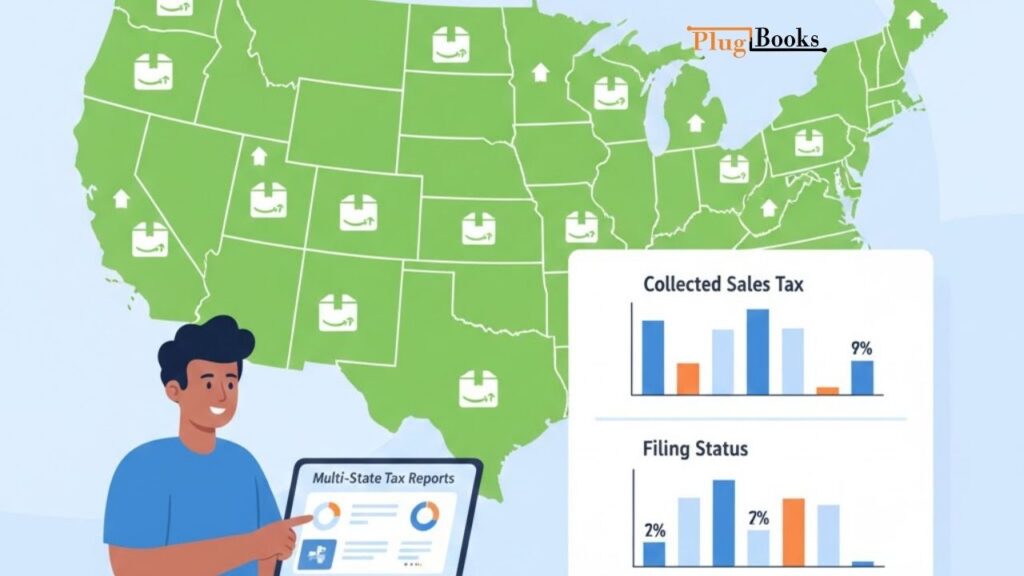
PlugBooks seamlessly integrates with your Amazon Seller account to capture real-time sales and tax data. It organizes transactions by state, ensuring accurate and timely reporting without manual effort.
With PlugBooks, sellers can:
- Reduce accounting errors
- Save time on tax reporting
- Maintain clean, audit-ready records
Whether you manage a few orders or thousands, PlugBooks helps simplify Amazon tax reporting—so you can focus on growing your business in 2026.

FAQs
1. Why is it important to capture Amazon tax data regularly?
Regularly capturing Amazon tax data helps sellers stay compliant with state tax laws, identify missing or incorrect tax entries, and prepare accurate tax filings. It also reduces audit risk and last-minute tax stress.
2. Does Amazon collect sales tax in every state for sellers?
No, Amazon does not collect sales tax in every state or for every transaction. Sellers remain responsible for tracking, reporting, and paying taxes in states where Amazon does not collect sales tax.
3. How often should Amazon sellers review their tax reports?
Amazon sellers should review their tax reports at least once a month. Frequent reviews help catch errors, missing collections, and incorrect exemptions before filing deadlines.
4. What happens if Amazon does not collect sales tax on a transaction?
If Amazon does not collect sales tax, the seller must calculate, report, and remit the tax directly to the appropriate state authority based on nexus rules.
5. Can automated tools help with Amazon tax data accuracy?
Yes, automated tools can improve accuracy by capturing Amazon tax data in real time, organizing it by state, and reducing manual entry errors that often lead to compliance issues.
Conclusion
Capturing accurate Amazon tax data in 2026 is essential for compliance and smooth business operations. It reduces errors, ensures visibility across states, and minimizes stress. Regular reviews, staying updated on nexus changes, and using automation make tax management simple, letting sellers focus on growth.