



In a world where online selling never stops, managing your eBay store on the go has become essential. Whether you’re replying to buyer questions while traveling, updating listings, or tracking multiple orders, the eBay app 2026 gives sellers complete control from their pocket.
Today’s market demands speed, responsiveness, and convenience — and that’s exactly what the eBay mobile app delivers. With new features rolling out in 2026, life’s easier in the eBay app, letting sellers list products faster, track orders instantly, and discover exclusive online deals every single day.
This includes builtin tools to help you promote your store and leverage in‑app offers, like $10 off in‑app QR code promotions that attract buyers and boost conversion.
In this complete guide, we’ll walk you through everything you need to know — from downloading the app and creating listings to maximizing sales and troubleshooting common issues.
What Is the eBay App and Why It Matters in 2026
The eBay tool is a mobile selling platform available for Android, iPhone, and iPad that lets sellers manage their entire business from a smartphone or tablet. In 2026, more shoppers are browsing and buying on mobile devices than ever before.
According to current trends, mobile purchases account for a significant portion of online transactions, making mobile selling not just a convenience — but a necessity.
With the app, sellers can:
- Respond to buyer questions quickly
- UPDATE inventory in real time
- Manage offers and promotions
- Track shipments and fulfillment status
- Access insights and analytics
Whether you sell rare collectibles, electronics, or everyday essentials, the eBay mobile ensures your business stays agile, efficient, and competitive.
How to Download the eBay Interface on Any Device
Getting started with the eBay mobile is easy:
Android
- Open the Google Play Store.
- Search for “eBay.”
- Tap Install.
iPhone / iPad
- Open the App Store.
- Search for “eBay.”
- Tap Get.
Once installed, log in with your eBay credentials or create a new account. The app’s interface is designed to be intuitive, so even sellers new to mobile selling can begin listing and managing products quickly. With the app available on both Android and iOS, you can respond instantly to buyer messages, even while on the go.
How to Create Listings on the eBay Interface
One of the biggest advantages of the eBay mobile app is how fast and simple it makes listing products.
Here’s how to create a listing step‑by‑step:
- Open the app and tap Sell at the bottom.
- Take clear photos or upload multiple images from your device.
- Add a descriptive title and include keywords buyers might search.
- Write a detailed description with item specifics.
- Choose category and item condition.
- Set price, shipping options, and return policy.
- Preview your listing and publish.
Tips for Better Listings:
- Use bright, well‑lit images to attract attention.
- Use keyword‑rich titles that include what buyers are searching for.
- Use item specifics to help your listing show up in searches.
By optimizing your listings on the eBay platform, you’ll increase their visibility and boost your chances of selling faster. As more buyers browse on mobile, these optimized listings increase your reach.
How to Get & Manage Notifications on the eBay Platform
Notifications keep you connected to your business. They ensure you know what’s happening in real time — from buyer messages to new offers.
How to Enable Notifications:
- Go to Settings in the app.
- Tap Notifications.
- Enable messages, offers, and shipping alerts.
With notifications turned on, you’ll never miss a buyer message, new offer, or sale. Responding quickly increases customer trust and conversion rates.
Managing Offers and Promotions
The eBay app lets you view and manage buyer offers easily. For example, if you need to retract an offer on eBay app, you can do it in just a few taps:
- Open the listing with the offer.
- Tap Offers.
- Select the offer.
- Tap Retract and confirm.
Pro Tip: If you’re promoting your products, use built‑in seller tools like $10 off in‑app QR code deals. These promos help create urgency, attract bargain‑hunters, and increase your sales velocity.

How the eBay Interface Helps You Track Orders and Shipments
Keeping tabs on orders is critical. The eBay interface provides real‑time updates on:
- New sales
- Order status
- Shipping progress
- Tracking numbers
You can also set shipping preferences, print labels, and monitor carrier updates — all directly within the app — so you stay ahead of customer expectations.
Life’s Easier When You Sell on the Go
Imagine this: you’re traveling, grabbing coffee, or waiting in line — and you reply to buyer messages instantly, update a listing, or send an offer. That’s the power of the eBay mobile app.
Life’s easier in the eBay app because you’re no longer tied to a desktop. You can:
- Accept or decline offers instantly
- Monitor your sales performance
- Respond to buyer questions quickly
- Keep your inventory updated
- List products anytime, anywhere
Plus, you can discover exclusive online deals every single day, giving you more ways to attract buyers and increase loyalty.
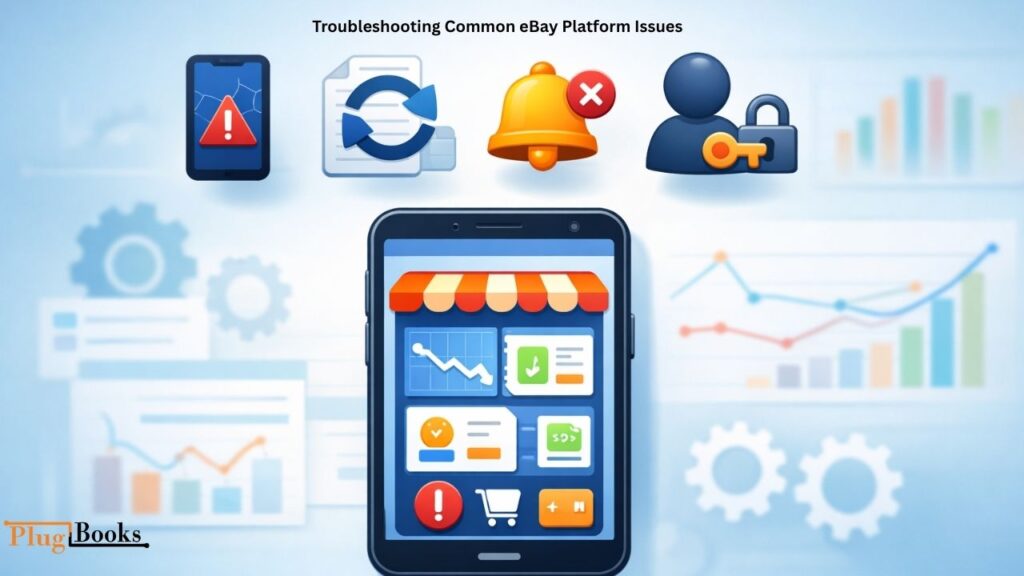
Troubleshooting Common eBay Platform Issues
Like any app, there are occasional issues sellers may face:
App Crashing or Freezing
- Restart your device.
- Close and reopen the app.
- Update the app to the latest version.
Listings Not Updating
- Check internet connection.
- Refresh the listing page.
- Re‑save details and publish again.
Notifications Not Appearing
- Ensure push notifications are enabled in device settings.
- Check notification settings in the app.
Login or Account Sync Issues
- Reset your password.
- Log out and log back in.
- Reinstall the app if problems persist.
Knowing these fixes keeps your selling experience smooth and efficient.
Security Features in the eBay tool
Security is critical when selling online. eBay has enhanced security features in the 2026 app to help you protect your account:
- Two‑factor authentication
- Email and SMS verification
- Fraud detection alerts
- Encrypted data for transactions
Always enable security preferences in your account settings to protect your store and maintain buyer trust.
Tips for Maximizing Sales Using the eBay tool
Here are proven strategies to get more sales using the eBay tool:
Respond Faster
Buyers expect quick replies. Use notifications to reply within minutes — not hours.
Update Listings Regularly
Refresh old listings with new images, keywords, or better descriptions.
Use Promotions Smartly
Take advantage of deals like ebay $10 off in app qr code to entice buyers.
Track What Sells Best
Use insights to find trending products and focus your inventory.
Stay Organized
Use the app to manage shipments, returns, and messages in one place.
With these strategies, the eBay seller app becomes a powerful tool in growing your business.
Simplify Your eBay Finances with PlugBooks
Managing sales, tracking profits, and staying on top of expenses can be overwhelming for eBay sellers — but PlugBooks makes it effortless. PlugBooks automatically connects with Xero and QuickBooks, syncing all your eBay transactions in real time so you can monitor earnings, track fees, and generate accurate financial reports without spending hours on spreadsheets.
From calculating net profits to preparing for taxes, PlugBooks empowers sellers to focus on growing their business instead of worrying about numbers. With this seamless integration, selling millions of items becomes smarter, simpler, and far more profitable.

People Also Ask (FAQs)
Q1. Can I manage multiple eBay accounts from the app?
A: Yes, the eBay mobile platform allows you to switch between accounts easily.
Q2. Does the app provide sales analytics for my listings?
A: Absolutely! Track views, watchlists, sold items, and performance metrics.
Q3. Can I schedule listings in advance using the mobile eBay tool?
A: While full scheduling isn’t built-in, you can save drafts and post them later.
Q4. Are there alerts for low stock or inventory updates?
A: Yes, the eBay seller app can notify you when inventory is running low.
Q5. Does the app support barcode scanning for quick product listings?
A: Yes, it has a built-in scanner to populate product details instantly.
Q6. Can I use message templates to reply faster to buyers?
A: Yes, pre-saved templates are available in the eBay marketplace app.
Conclusion
The eBay app 2026 is one of the most powerful tools for sellers looking to scale their business. It puts the entire selling process — from listings and buyer communication to promotions and order tracking — into the palm of your hand.
Whether you’re a new seller or a seasoned pro, the app helps you stay responsive, efficient, and competitive. With features like mobile notifications, instant listings, QR code promotions, and real‑time shipment tracking, life’s easier in the eBay seller app— and your store stays dynamic, profitable, and ready for growth.
Start using the eBay mobile app today — manage listings, track sales, unlock $10 in‑app QR code deals, and watch your business flourish in 2026 and beyond.
