




eBay purchase history is one of the most useful features for buyers, yet many users don’t know how to access it properly or use it to its full potential. Whether you’re trying to track an old order, download invoices for records, or simply review what you’ve purchased over time, knowing where and how to find your purchase history can save you a lot of frustration.
As an experienced eCommerce user and seller-support writer, this guide is built on real platform usage, updated workflows, and current eBay account behavior in 2026—not guesswork. By the end of this article, you’ll confidently manage your purchase data across desktop, mobile, and the eBay app.
In this guide, you’ll learn:
- How to access your eBay orders history quickly
- Where to find orders on desktop and mobile
- How to download purchase history for records
- What privacy options eBay allows (and doesn’t allow)
Access My eBay Purchase History from Your Account
Your eBay order records are securely stored inside your eBay account and can be accessed anytime.
Follow these steps:
- Log in to your eBay account
- Click My eBay in the top-right corner
- Select Purchase History
This section displays completed purchases with order dates, item details, prices, and seller information—all in one place.
Review Purchase History from eBay for Past Transactions
The purchase history from eBay feature allows you to review transactions from previous months and years.
Here’s what you can do:
- Confirm past payments
- Reorder items you liked
- Access invoices and receipts
- Check seller ratings and communication
This is especially helpful for returns, warranties, or expense documentation.
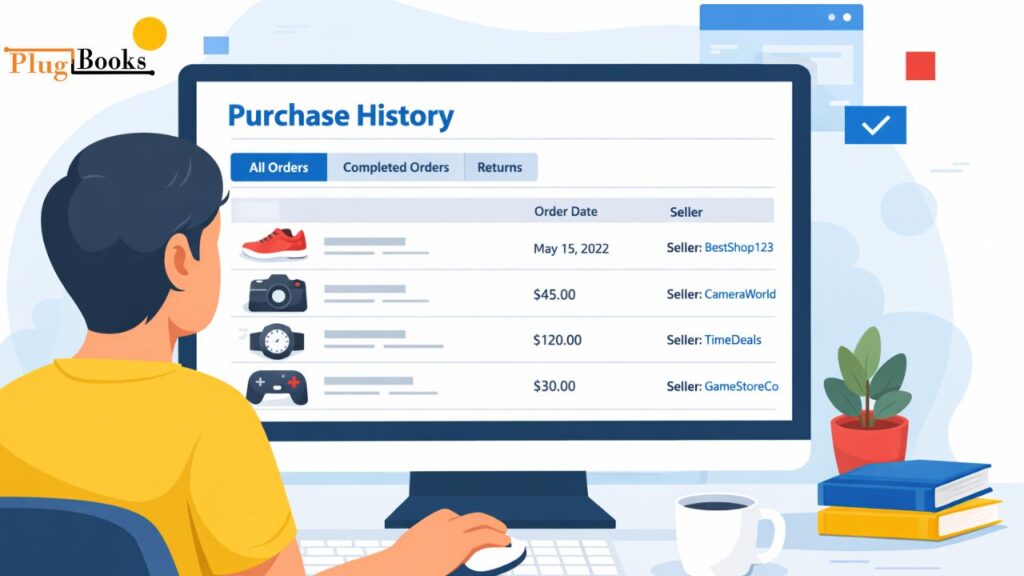
Locate My Purchase History eBay on Desktop & Mobile
Finding my purchase history on eBay is easy, but the layout differs slightly by device.
Desktop users:
My eBay → Purchase History
Mobile browser users:
Menu ☰ → My eBay → Purchases
No matter the device, your data remains the same and updates in real time.
Track My eBay Orders History Purchase Step by Step
The eBay orders history purchase view helps you manage both recent and older orders.
You can:
- Track shipping status
- View delivery estimates
- Contact sellers directly
- Leave feedback after delivery
If you shop frequently, this section becomes your personal order dashboard.
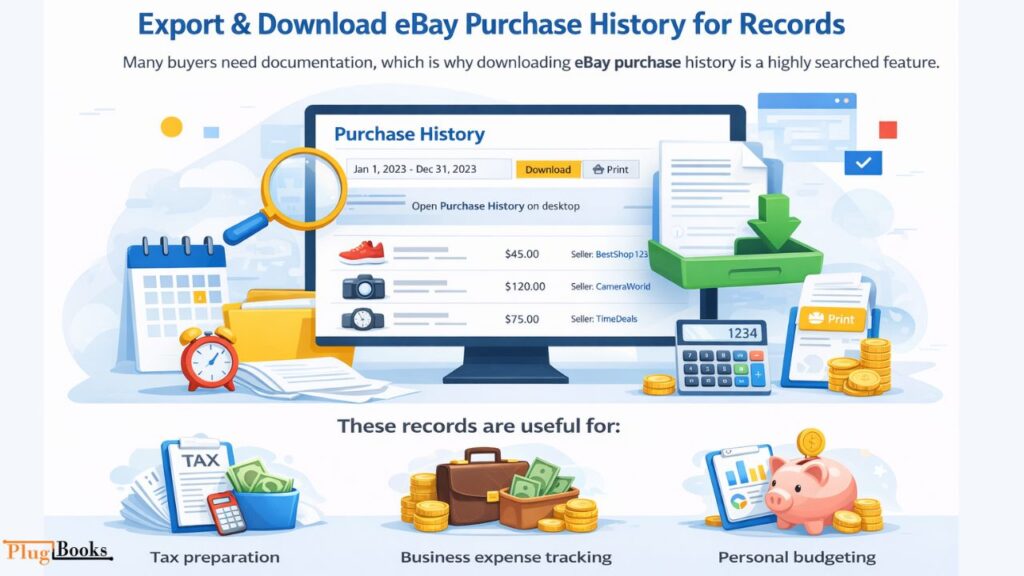
Export Download eBay Purchase History for Records
Many buyers need documentation, which is why downloading ebay purchase history is a highly searched feature.
How to download your history:
- Open Purchase History on desktop
- Select the desired date range
- Choose Download or Print
These records are useful for:
- Tax preparation
- Business expense tracking
- Personal budgeting
Check eBay App Purchase History on Android & iOS
The ebay app purchase history feature is ideal for users who manage orders on the go.
Steps in the app:
- Open the eBay app
- Tap My eBay
- Select Purchases
You can track shipments, message sellers, and review orders directly from your phone.
Manage How to Delete Purchase History on eBay Safely
A common concern is how to delete purchase history on eBay.
Here’s the honest answer:
- ❌ You cannot permanently delete purchase history
- ✅ You can hide individual purchases for privacy
To hide an item:
- Go to Purchase History
- Select Hide order
This keeps your history private while remaining compliant with eBay’s records policy.

Navigate Go to My eBay Purchase History in One Click
To quickly go to my find eBay history, bookmark the Purchase History page once logged in. This saves time and gives instant access whenever you need past orders.
Common Issues & Practical Fixes
Issue: Older purchases not visible
Fix: Adjust the date filter range
Issue: Download option missing
Fix: Switch to desktop view
Issue: App not showing updates
Fix: Update the eBay app to the latest version
Security & Privacy Best Practices
- Always log out on shared devices
- Hide sensitive purchases instead of sharing screenshots
- Enable two-step verification on your eBay account
These steps protect your purchase data and account activity.
How PlugBooks Helps You Track eBay Purchase Records Smarter
Managing your eBay buying records is simple for personal use, but it becomes challenging when purchases are linked to business expenses, refunds, or tax reporting. This is where eBay’s purchase record tool adds real value.
PlugBooks automatically organizes your eBay transactions, converts purchase data into clear financial records, and keeps everything audit-ready without manual spreadsheets. If you regularly download eBay orders history for bookkeeping, PlugBooks saves time by syncing, categorizing, and maintaining accurate records—so you can focus on growth instead of paperwork.

Frequently Asked Questions (FAQs)
How far back does eBay buying records go?
eBay typically shows several years of completed purchases, though very old transactions may require date filter adjustments.
Can I permanently delete my eBay Orders History?
No, eBay does not allow permanent deletion. You can only hide purchases from your visible list for privacy.
Why can’t I download eBay buy history on mobile?
The download option is limited on mobile. Using a desktop browser provides full access to export features.
Does eBay order activity show canceled orders?
Canceled and refunded orders may appear separately, depending on the order status and time frame.
Is the eBay purchase log the same on all devices?
Yes, your purchase history syncs across desktop, mobile browsers, and the eBay app when logged into the same account.
Can I use eBay buying history for tax or business records?
Yes, many sellers and buyers use downloaded eBay purchase log for expense tracking and tax documentation.

Quick Recap
- eBay order activity stores all completed orders
- Accessible via desktop, mobile, and app
- Downloadable for records but not fully deletable
- Privacy options include hiding purchases
Conclusion
Managing your eBay orders gives you full control over your buying activity, financial records, and online privacy. With the updated steps in this 2026 guide, you can confidently access, track, and organize your eBay orders anytime. Bookmark your purchase history today and stay organized with every purchase you make.