




Selling on eBay isn’t free, but startup costs can be low. Most sellers begin with free listings. How to sell on eBay for free is one of the easiest ways to start an online business without any upfront investment. Whether you’re clearing out unused items or testing a side hustle, eBay gives beginners a risk-free entry point.
The platform allows you to list products without paying anything initially, making it perfect for those who want to learn before investing money. This complete eBay selling guide will walk you through everything—from setup to scaling.
Key Highlights
- Start with 250 free listings every month
- No upfront investment required
- Pay only when your item sells
- Beginner-friendly dashboard
- Global audience access
How to Sell on eBay for Free Step by Step in 2026
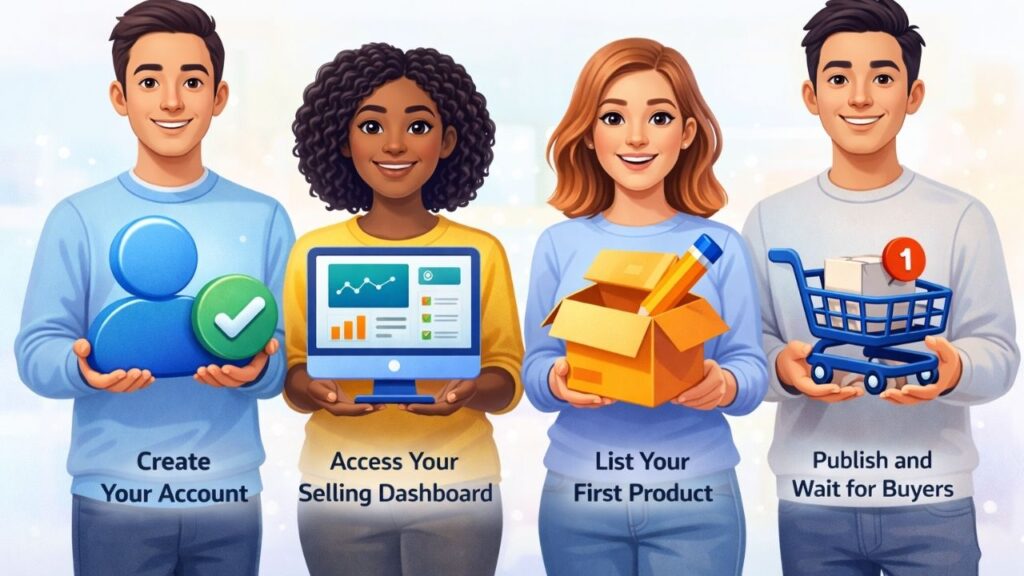
Starting is simpler than most people think. Follow these steps to launch your selling journey:
1. Create Your Account
Sign up on eBay and choose a personal account. Verification is quick and gives you access to your seller tools.
2. Access Your Selling Dashboard
Your eBay selling section is where you manage listings, orders, and payments. It’s your control center.
3. List Your First Product
Click “Sell” and fill in:
- Title with keywords
- Category
- Condition
- Images
- Description
Stay within the free limit to avoid charges.
4. Publish and Wait for Buyers
Once live, your product becomes visible to millions of buyers searching daily.
How to Sell on eBay for Free Without Investment
If you don’t want to spend any money at all, this approach works best:
Start With What You Already Own
Look around your home:
- Old electronics
- Clothes
- Books
- Accessories
This eliminates inventory cost completely.
Use Free Listings Smartly
eBay offers:
- 250 free listings per month
- After that: $0.35 per listing
Stay within this limit to keep your cost at zero.
Reinvest Profits
Once you make sales, use that money to buy more items and grow.
Understanding Free Selling Limits and Fees on eBay
Many beginners misunderstand “free selling.” Here’s the reality:
- Listing = Free (up to limit)
- Selling = Commission applies
Main Costs:
- $0 upfront (within 250 listings)
- ~$0.35 per extra listing
- Final value fee after sale
This model ensures you only pay when you earn.
Best Products to Start Selling Online (Beginner Ideas)
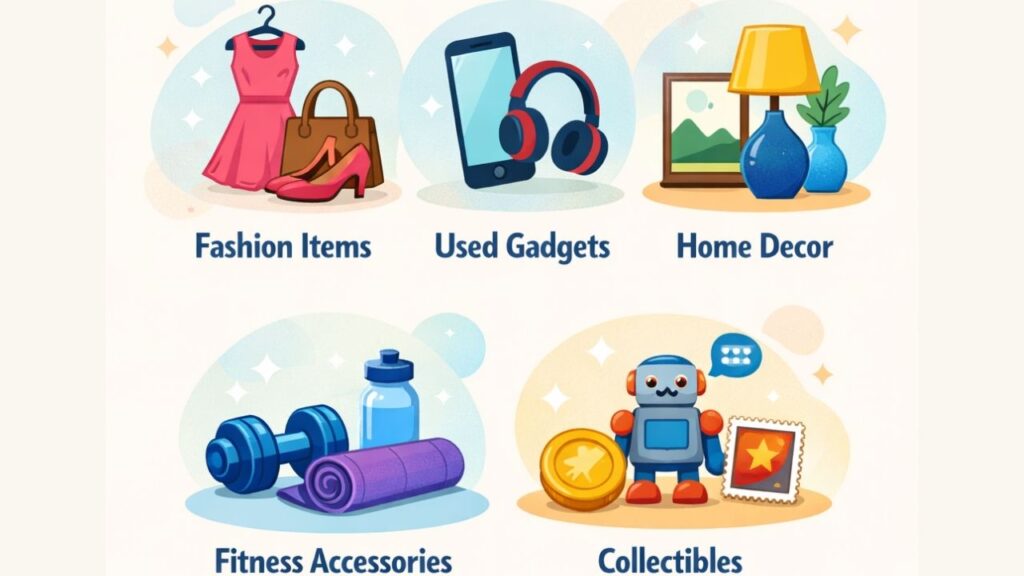
Choosing the right product is key to success. If you’re wondering what to sell on ebay, start with high-demand categories:
Popular Options
- Fashion items
- Used gadgets
- Home decor
- Fitness accessories
- Collectibles
How to Validate Products
Search your item on eBay and filter by “Sold Listings.”
This shows real demand and pricing trends.
Creating High-Converting Listings That Actually Sell
A good listing can make or break your success.
Essential Elements
- Clear images (real photos)
- Keyword-rich titles
- Honest descriptions
- Competitive pricing
A strong listing increases visibility and trust, which leads to faster sales.
Pricing Strategies That Help You Sell Faster
Pricing is not just about profit—it’s about conversion.
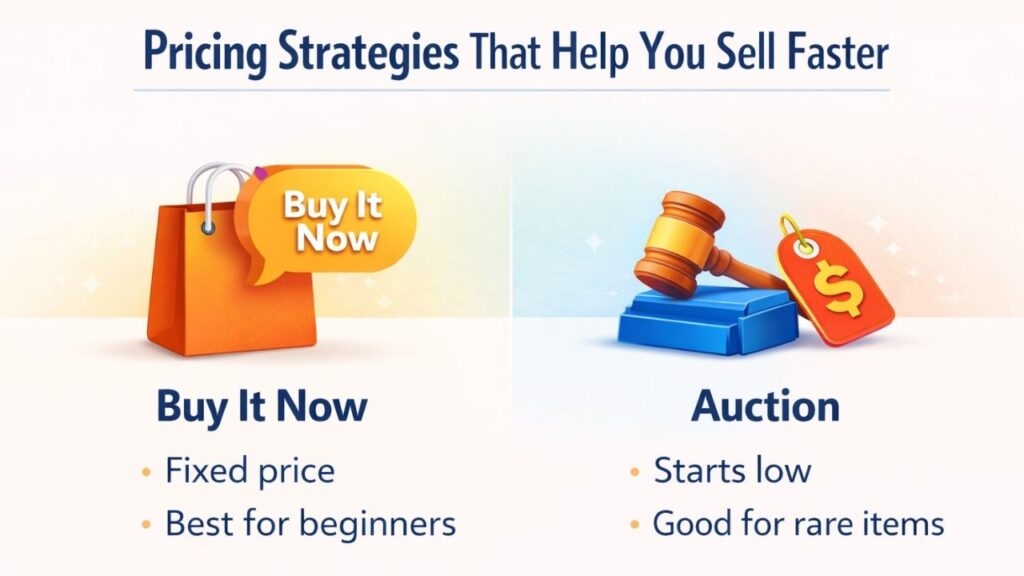
Two Main Options
Buy It Now
- Fixed price
- Best for beginners
Auction
- Starts low
- Good for rare items
For most sellers following an ebay selling guide, fixed pricing works better.
Shipping Tips to Attract More Buyers
Shipping plays a big role in customer decisions.
Best Practices
- Offer free shipping (if possible)
- Use secure packaging
- Ship quickly
Including shipping cost in your product price can improve conversions.
Managing Orders in Your myebay Selling Dashboard
Once you start selling, myebay selling is essential. It helps you track orders, print shipping labels, manage returns, and communicate with buyers efficiently, making your eBay selling experience smooth and organized.
You Can:
- Track orders
- Print shipping labels
- Manage returns
- Communicate with buyers
This dashboard is beginner-friendly and automates your workflow, saving time and helping you focus on growing your eBay business.

Common Beginner Mistakes and How to Avoid Them
Avoid these mistakes while learning how to sell on ebay for free:
- Listing too many items beyond free limit
- Ignoring product research (what to sell on ebay)
- Poor image quality
- Overpricing
- Slow response to buyers
Fixing these early can significantly improve your results.
Advanced Tips to Grow Your Online Selling Business
Once you understand the basics, it’s time to scale.
Growth Strategies
- List items consistently
- Focus on trending products
- Improve customer service
- Reinvest profits
Following a structured ebay selling guide helps you move from beginner to pro faster.
Streamline eCommerce Accounting with PlugBooks
Selling on eBay, Amazon, or Shopify can be overwhelming. PlugBooks automatically tracks sales, fees, and refunds, and integrates with Xero and QuickBooks. It keeps your accounts organized, saves time, and helps sellers make smarter business decisions.
FAQs
1. Can I sell internationally as a beginner?
Yes, you can reach global buyers, but make sure to calculate shipping costs and delivery times carefully.
2. Do I need professional photos to start?
No, a smartphone with good lighting is enough in the beginning.
3. What if my item doesn’t sell?
You can relist it, improve the title, or adjust the price to increase chances.
4. Is it safe to receive payments on eBay?
Yes, payments are processed securely through the platform and sent directly to your bank.
5. How many items should I list daily?
Start small (5–10 items) and scale as you learn what works.
6. Can I turn this into a full-time business?
Absolutely. Many sellers start small and grow into full-time income streams.
Quick Recap
- Use 250 free listings monthly
- Start with zero investment
- Focus on what to sell on ebay
- Optimize listings for better sales
- Scale using a proven ebay selling guide
Conclusion
Learning how to sell on ebay for free gives you a powerful opportunity to start earning online without financial risk. With the right strategy, consistent effort, and smart product selection, you can turn a simple beginning into a profitable business on eBay.
Start small, stay consistent, and grow step by step—success will follow.