



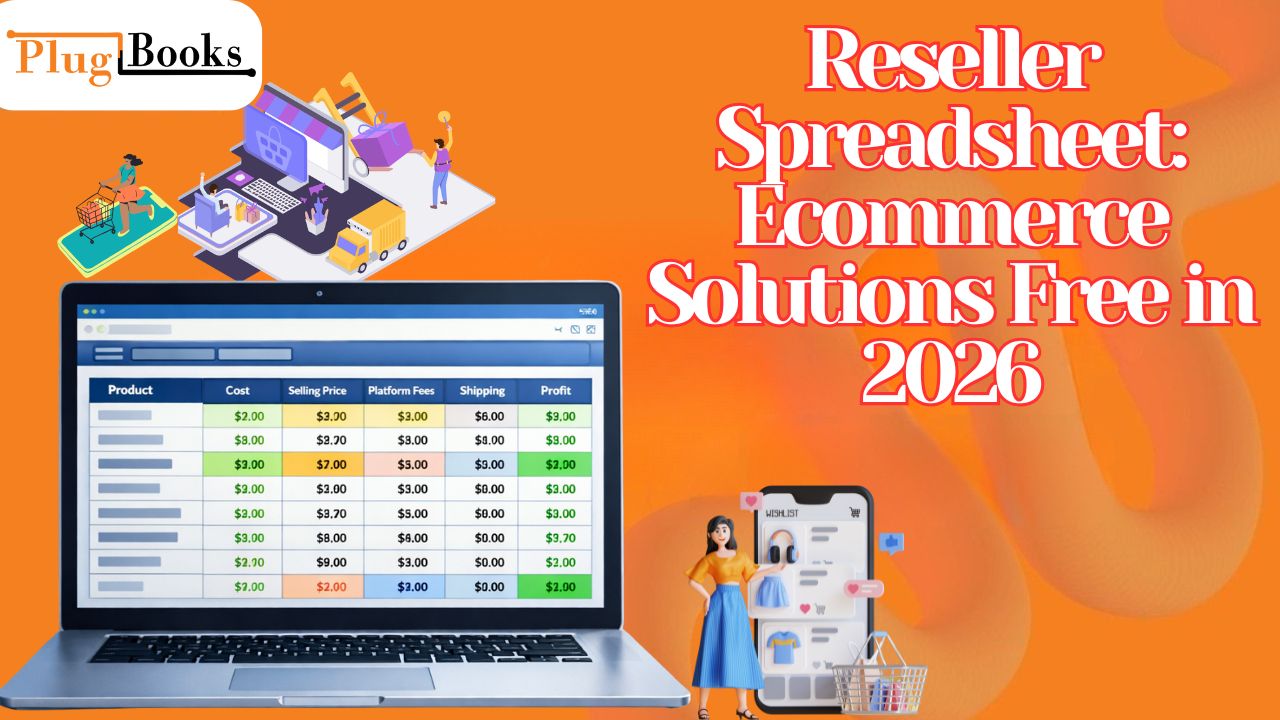
Reseller spreadsheet systems continue to be one of the most reliable and cost-effective ways to manage ecommerce finances in 2026. While advanced tools and automation platforms are widely available, many successful sellers still rely on spreadsheets for their flexibility, control, and zero cost.
Whether you are just starting out or already selling on platforms like Shopify, eBay, or Amazon, understanding your numbers is critical. Revenue alone does not define success—profit does. Without accurate tracking, it becomes difficult to know whether your business is truly growing or simply generating sales without margins.
A well-structured reselling spreadsheet allows you to track every financial aspect of your business, from product sourcing costs to platform fees and final profit. More importantly, it gives you the clarity needed to make informed decisions.
Key Takeaways:
- A reseller spreadsheet helps track profit, costs, and inventory
- It works seamlessly with major ecommerce platforms
- You can create it for free using simple tools
- It improves financial clarity and decision-making
- Ideal for both beginners and scaling sellers
What is a Reseller Spreadsheet?
A resell spreadsheet is a structured data sheet designed to record, organize, and analyze the financial performance of a reselling business. It acts as a simplified accounting system that gives you complete visibility into your operations.
Instead of relying solely on platform dashboards, which often focus on revenue, a spreadsheet allows you to calculate true profit by including all associated costs.
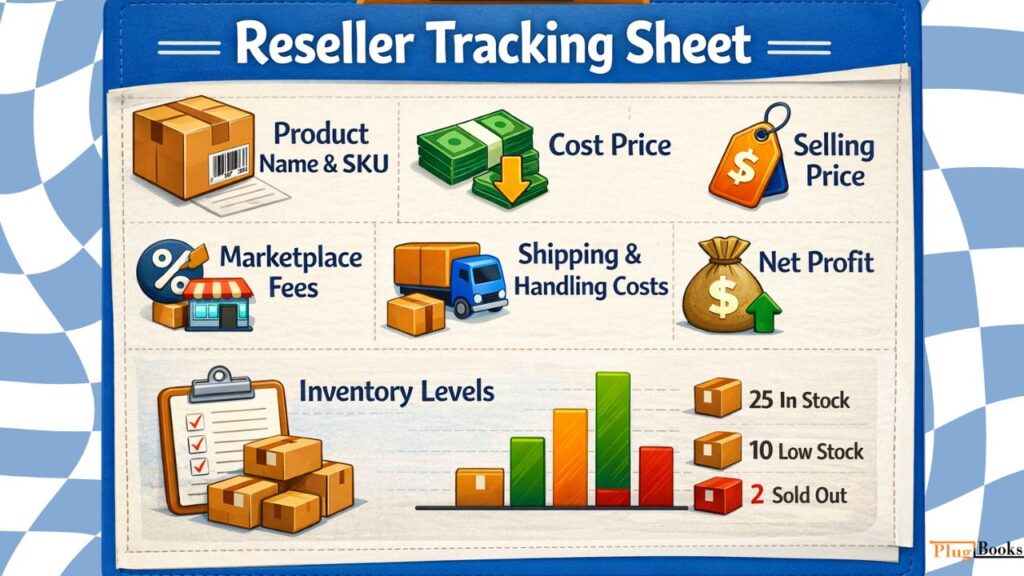
Key Components of a Reseller Tracking Sheet
- Product Name and SKU
- Cost Price (sourcing cost)
- Selling Price
- Marketplace Fees
- Shipping and Handling Costs
- Net Profit
- Inventory Levels
By organizing this data in one place, sellers can quickly identify profitable products, reduce unnecessary expenses, and optimize pricing strategies. This is the core of a reseller inventory spreadsheet, which ensures you can track stock levels alongside financial performance.
Build Your Free Profit Tracking Sheet
Creating a reseller spreadsheet doesn’t require technical expertise. With a few structured steps, you can set up a powerful tracking system.
Step 1: Choose the Right Tool
Start with a free and accessible platform:
- Google Sheets (recommended for cloud access and collaboration)
- Microsoft Excel (ideal for offline use and advanced functions)
Google Sheets is often preferred because it allows real-time updates and access from any device.
Step 2: Set Up Essential Columns
Your spreadsheet should include:
- Product Name
- SKU or Product ID
- Supplier Name
- Cost Price
- Selling Price
- Platform Fees
- Shipping Cost
- Total Revenue
- Net Profit
These columns form the foundation of your financial tracking system.
Step 3: Add Smart Formulas
Formulas automate your calculations and reduce errors.
Basic Profit Formula:
Net Profit = Selling Price – (Cost Price + Fees + Shipping Cost)
You can also expand this by adding:
- ROI (Return on Investment)
- Profit Margin (%)
- Break-even price
Step 4: Organize and Format Data
To improve usability:
- Use filters to sort products
- Highlight profitable items
- Freeze header rows
- Use color coding for insights
A clean and organized resell spreadsheet improves both speed and decision-making.
Beginner Tips for Better Results
- Start simple and expand gradually
- Double-check formulas regularly
- Update data consistently
- Keep backups of your file
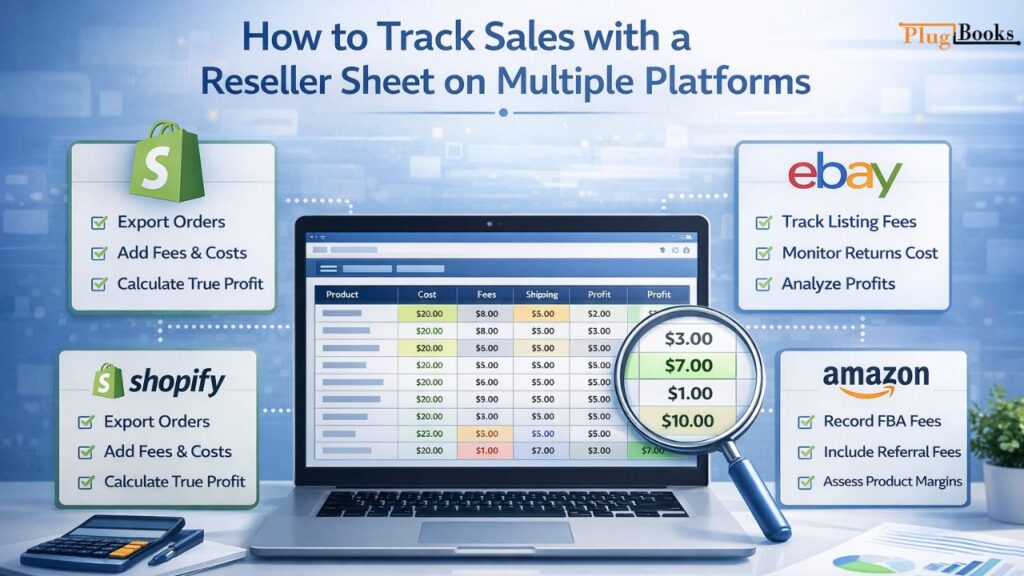
How to Track Sales with a Reseller Sheet on Multiple Platforms
The key advantage of an ecommerce tracking spreadsheet is its versatility. You can use it across different platforms to monitor performance seamlessly.
Shopify
When selling on Shopify, your spreadsheet becomes a powerful profit analysis tool. Shopify provides revenue data, but it does not always show complete profit after deducting all expenses. By exporting order data and entering it into your reseller inventory spreadsheet, you can calculate actual earnings.
Use Case:
A Shopify seller can:
- Export daily or weekly orders
- Add payment processing fees
- Include product and shipping costs
- Calculate real profit per order
This process helps identify which products are truly profitable and which ones need price adjustments.
eBay
For sellers using eBay, fee tracking is essential. eBay charges listing fees, final value fees, and sometimes promotional fees, which can significantly impact profit margins.
Use Case:
An eBay reseller can use a reselling spreadsheet to:
- Record item-level fees
- Track shipping costs and returns
- Monitor profit per listing
Many sellers assume they are making money based on sales alone, but a spreadsheet reveals the actual margins after all deductions.
Amazon
Selling on Amazon involves a more complex fee structure, especially for FBA (Fulfillment by Amazon).
Use Case:
A reseller can track:
- FBA fulfillment fees
- Referral commissions
- Storage and logistics costs
By entering these values into a resell spreadsheet, sellers gain a clear understanding of product-level profitability.
Best Columns for Advanced Resellers
As your business grows, enhance your reseller inventory spreadsheet with advanced monitoring fields:
- ROI (%)
- Profit Margin (%)
- Break-even Price
- Supplier Details
- Order Date
- Monthly Profit Summary
These additional data points provide deeper insights and help with long-term planning.
Why Use a Free Profit Tracking Sheet
- Complete Financial Visibility – See a clear view of your business performance.
- Flexibility and Customization – Unlike rigid software for resellers, spreadsheets can be tailored to your exact needs.
- Cost Efficiency – Avoid monthly subscription fees, making it ideal for beginners.
- Improved Decision-Making – Data-driven insights help you choose better products and pricing strategies.
Common Mistakes to Avoid
- Ignoring Hidden Costs – Include platform fees, taxes, and shipping expenses.
- Inconsistent Updates – Outdated data leads to inaccurate conclusions.
- Overcomplicating the Sheet – Keep it simple and manageable.
- Formula Errors – Incorrect formulas can distort your entire profit analysis.
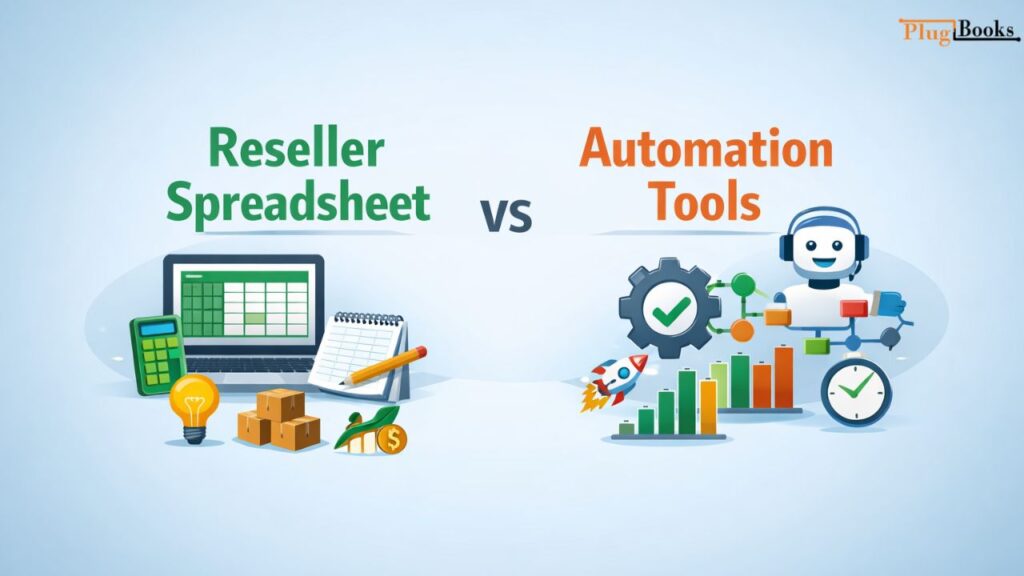
Reseller Spreadsheet vs Automation Tools
| Feature | Spreadsheet | Automation Tools |
| Cost | Free | Paid |
| Flexibility | High | Moderate |
| Automation | Manual | Automatic |
| Scalability | Limited | High |
| Accuracy | Depends on user | System-driven |
Spreadsheets are ideal for beginners, while automation tools become necessary as your business grows.
When Should You Upgrade from a Spreadsheet?
Manual updates may become cumbersome as your business scales.
Signs You Need an Upgrade:
- High order volume
- Time-consuming manual entries
- Need for real-time reporting
- Managing multiple platforms
At this stage, automation or specialized software for resellers can save time and reduce errors.
Scaling with PlugBooks
As your ecommerce business expands, transitioning to tools like PlugBooks can improve efficiency and accuracy.
Key Advantages:
- Integration with Shopify, eBay, and Amazon
- Automated profit and fee tracking
- Real-time financial insights
- Reduced manual workload
It serves as a natural progression from spreadsheets to a fully automated financial system.

Frequently Asked Questions (FAQs)
1. What should be included in a reseller tracking sheet?
A reseller tracking sheet should capture product details, cost price, selling price, platform fees, shipping expenses, and net profit.
2. How often should I update my profit tracking sheet?
Daily or after each transaction to ensure accuracy.
3. Can a reseller management sheet help with pricing strategy?
Yes, monitoring all costs and margins allows you to set competitive prices while maintaining profitability.
4. Is it possible to track inventory using an ecommerce tracking spreadsheet?
Absolutely! A reseller inventory spreadsheet can monitor stock levels, sold items, and remaining quantities efficiently.
5. What are the limitations of using a sales tracking sheet?
Requires manual updates, lacks automation, and can become challenging as your business scales.
Quick Recap
- A reselling spreadsheet is a free and powerful tracking tool
- Works across Shopify, eBay, and Amazon
- Easy to create using Google Sheets or Excel
- Helps maintain financial clarity and control
- Upgrade to automation tools or software for resellers as your business scales
Conclusion
A resell spreadsheet remains one of the most effective tools for managing ecommerce finances in 2026. It provides structure, flexibility, and insights to track profitability without any financial investment.
For beginners, it offers a strong foundation. For growing businesses, it acts as a stepping stone toward automation. By using a well-organized reseller spreadsheet, you gain full control over financial data and build a more sustainable reselling business.
As operations scale, advanced solutions like PlugBooks ensure your systems evolve with your growth—keeping your business efficient, accurate, and ready for the future.
