



Amazon Tax Reporting for Sellers can feel confusing at first, especially when tax forms, deductions, and IRS rules start piling up during tax season. Whether you’re a new Amazon seller or already running a growing store, understanding how tax reporting works is essential for staying compliant and avoiding costly mistakes.
The good news? Tax season doesn’t have to be stressful. With the right records, proper bookkeeping, and a clear reporting process, sellers can simplify filing and focus more on growing their business.
Here’s what you’ll learn in this guide:
- Why Amazon tax reporting matters
- Common mistakes sellers make
- Important tax forms and documents
- How to organize records for smoother filing
- Tips to simplify the 2026 tax season
By the end of this guide, you’ll have a clearer understanding of how Amazon seller taxes work and what steps you can take to stay organized throughout the year.
What is Amazon Tax Reporting?
Amazon tax reporting is essentially how your sales and income from Amazon are communicated to the IRS. Even if Amazon issues forms like the 1099-K, it’s your responsibility to report income correctly.
Think of it this way: Amazon provides the report card, but you’re the student who needs to submit the homework.
Why it matters:
- Helps you avoid IRS penalties
- Keeps your business records organized
- Makes filing your taxes smoother
Amazon Tax Reporting for Sellers: Important Tax Forms You Should Know
Common Forms You’ll Encounter
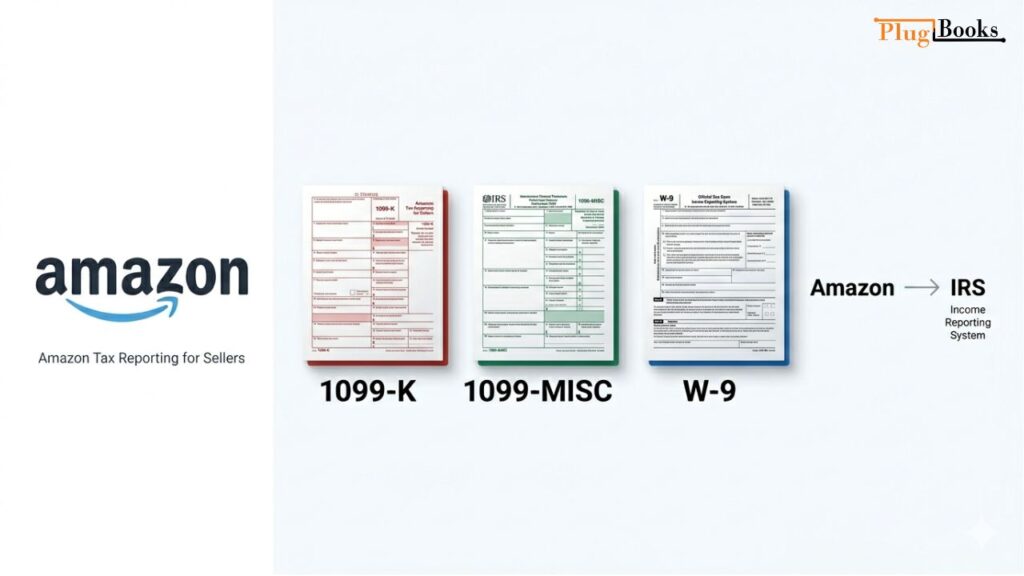
- 1099-K – Issued if you surpass certain sales thresholds (e.g., $600+ in 2026).
- 1099-MISC – May apply to some payouts, especially for other services.
- W-9 – Needed when Amazon requests your taxpayer info for verification.
How Amazon Reports Income to the IRS
Amazon reports sales income directly to the IRS through these forms. But here’s the catch: you must ensure all your income, even from refunds or returns, is accurate on your tax return.
How to Prepare for Amazon Tax Reporting
Steps to Organize Your Records
- Keep a record of all sales, refunds, and fees
- Categorize your expenses: shipping, advertising, inventory, office supplies
- Use software like QuickBooks, Xero, or PlugBooks for automatic tracking
Quick Tips for Stress-Free Tax Season
- Start early—don’t wait until April
- Keep digital copies of all invoices and receipts
- Review your reports monthly to avoid last-minute panic
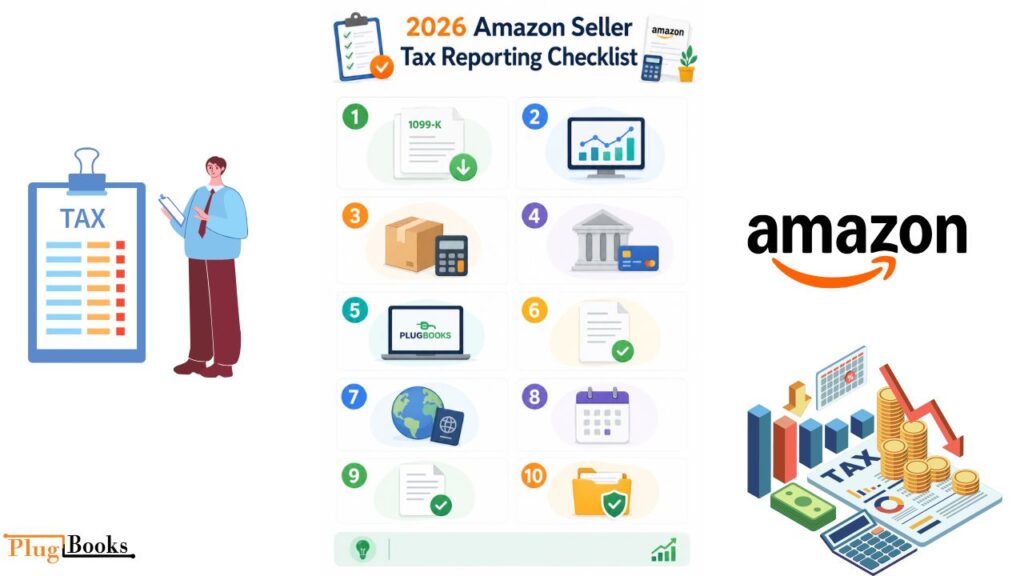
2026 Amazon Seller Tax Reporting Checklist
| Step | Action | Notes / Tips |
| 1 | Gather all Amazon tax forms | Collect 1099-K, 1099-MISC, and W-9 if requested. |
| 2 | Track all sales | Include refunds, promotions, and fees. Even small transactions matter. |
| 3 | Organize expenses | Shipping, packaging, advertising, software, inventory, home office. |
| 4 | Separate personal vs business accounts | Helps prevent misclassification and simplifies reporting. |
| 5 | Use bookkeeping software | Tools like PlugBooks, QuickBooks, or Xero automate reporting and reduce errors. |
| 6 | Understand deductions | Claim only legitimate expenses to stay compliant with IRS rules. |
| 7 | Check international requirements | Non-U.S. sellers may need ITIN or EIN for reporting. |
| 8 | Review reports monthly | Avoid last-minute panic; catch mistakes early. |
| 9 | File accurately and on time | Ensure your tax return matches your records and Amazon forms. |
| 10 | Keep records for 3–7 years | The IRS may audit, so maintain digital or physical copies of all transactions. |
Simplify your 2026 Amazon tax reporting with PlugBooks—track sales, manage fees, and stay compliant effortlessly.

Understanding Tax Deductions for Sellers
Amazon sellers can reduce taxable income with deductions. Common ones include:
- Inventory and cost of goods sold (COGS)
- Shipping and packaging materials
- Advertising and marketing expenses
- Home office or workspace costs
- Software subscriptions
Pro tip: Only claim deductions you actually paid for. Overstating can trigger IRS audits.
Amazon Tax Reporting by Seller Type
Individual vs. Business Accounts
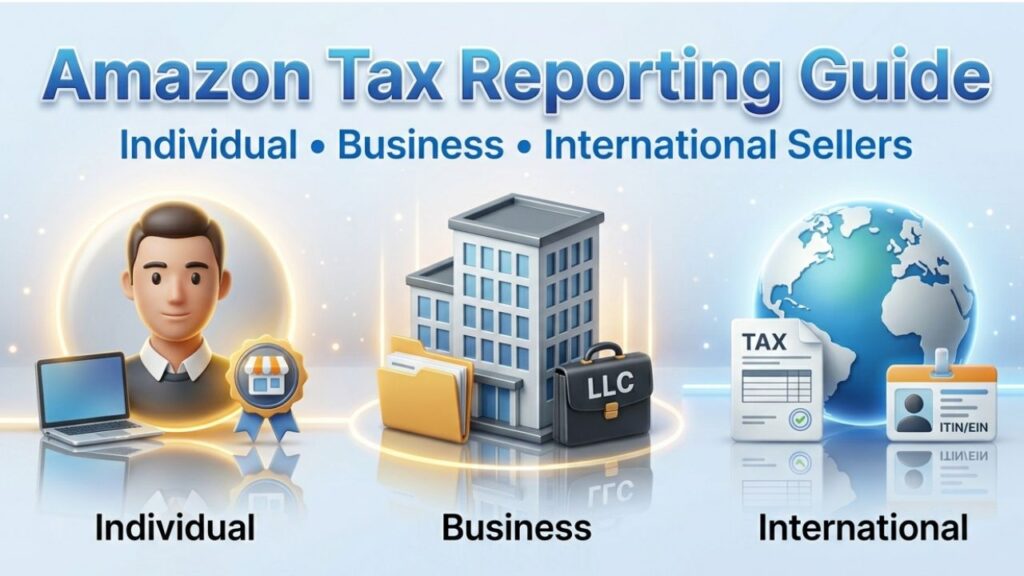
- Sole Proprietor: Report income on Schedule C of your personal return
- LLC or Corporation: Income is reported differently; consult a tax professional
International Sellers and U.S. Taxes
Non-U.S. residents selling on Amazon may need an ITIN or EIN to comply with IRS rules. Proper reporting ensures you avoid penalties.
Common Tax Reporting Mistakes and How to Avoid Them
- Missing forms: Always check if Amazon sent you a 1099-K or 1099-MISC
- Forgetting deductions: Keep receipts organized
- Misclassifying expenses: Categorize everything correctly
- Tip: A little organization now saves a lot of headaches later
Tools to Simplify Amazon Tax Reporting for Sellers
Using the right software can save time and prevent errors:
- QuickBooks & Xero: Popular bookkeeping software
- PlugBooks: Designed for Amazon and eBay sellers—automates reporting, tracks sales, and helps you stay compliant
Why it helps: Automation reduces errors, speeds up filing, and gives peace of mind.

FAQs
1. How does Amazon report my income to the IRS?
Amazon issues 1099 forms for eligible sellers, but you must report all income accurately.
2. Do I pay taxes on every sale?
Yes, your net income after expenses is taxable.
3. What if I didn’t get a 1099-K?
You still need to report all income. Keep detailed records.
4. Can I deduct shipping costs?
Absolutely—shipping fees and packaging materials are deductible.
5. Are sales tax and income tax the same?
No. Sales tax is collected for customers, income tax is based on your earnings.
6. How does PlugBooks help sellers with taxes?
PlugBooks automatically tracks Amazon sales, calculates fees, and generates tax-ready reports, making filing simpler and more accurate.
Quick Recap
- Keep organized records of all sales and expenses
- Understand which tax forms apply to you
- Take advantage of legitimate deductions
- Use software like PlugBooks to automate reporting
- Start early and review records monthly
Conclusion
Amazon Tax Reporting for Sellers doesn’t have to be overwhelming. By staying organized, understanding deductions, and using the right tools like PlugBooks, you can make the 2026 tax season smoother and far less stressful.
Remember: The earlier you prepare for Amazon tax reporting, the easier filing becomes—and the more money you may keep in your pocket through accurate records and legitimate deductions.