



If you’ve recently checked your bank statement and noticed a charge labeled Amazon Digital Service, you’re not alone. Many users search what is amazon digital service when they see an unfamiliar billing entry.
In this updated 2026 guide, we’ll clearly explain:
- what is amazon digital service
- Why you’re being charged
- Whether it’s the same as Prime
- How to stop recurring payments
- How it works in 2026
Let’s break it down in simple terms.
What Is Amazon Digital Service?
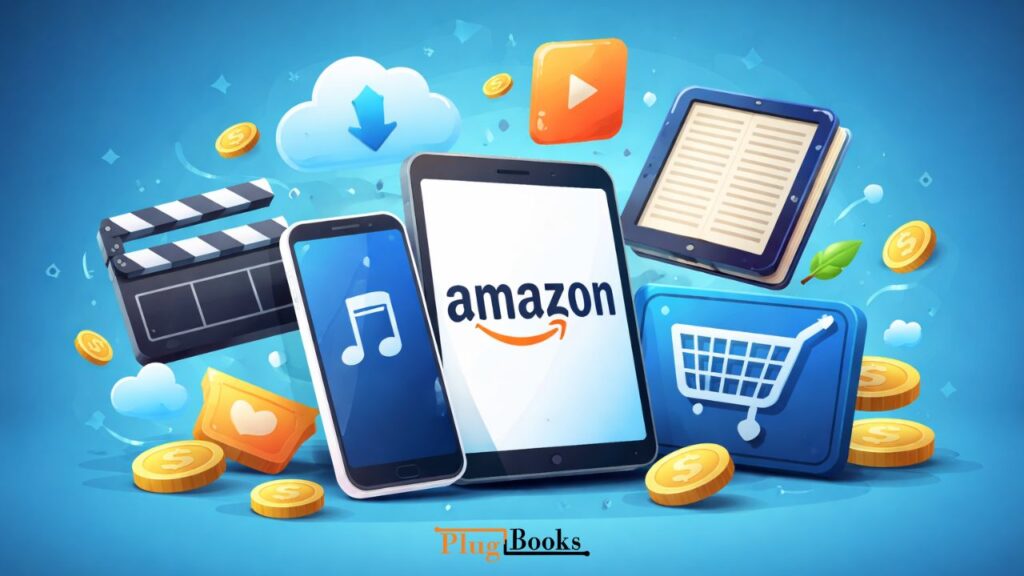
Amazon uses this label for digital purchases and subscriptions made through your account.
When people ask what is amazon digital service, they’re usually seeing a charge connected to:
- Streaming content
- Ebooks
- Music subscriptions
- App or game purchases
- Cloud storage plans
It’s not one specific product. Instead, it’s a billing description for online content and subscription-based services.
What Is Amazon Digital Service Charge on My Bank Statement?
If you’re wondering what amazon digital service is on your bank statement, it simply means a digital subscription or content purchase was processed through your account.
Common examples include:
- Kindle Unlimited
- Amazon Music Unlimited
- Prime Video Channels
Sometimes, even free trials convert into paid plans, which leads to recurring charges.
Why Am I Charged for Amazon Digital Service?
When users search amazon digital service, it’s often because they didn’t expect the charge.
Here are the most common reasons:
- A free trial ended and auto-renewed
- A family member used your account
- You subscribed to an add-on streaming channel
- An old subscription is still active
In most cases, it’s a recurring subscription that hasn’t been canceled.
What Does This Digital Billing Category Include?
This billing label usually covers:
- Movie rentals
- TV series subscriptions
- Ebooks and audiobooks
- Music streaming upgrades
- Mobile app purchases
- Gaming content
So when people type what is amazon digital service, they’re really asking about digital content linked to their account.
Is It the Same as Prime Membership?
No — it’s different.
Amazon Prime is a membership program that includes:
- Free delivery
- Prime Video access
- Prime Music (basic tier)
- Exclusive shopping deals
The digital billing label, however, refers to individual digital purchases or add-on subscriptions. You can have one without the other.
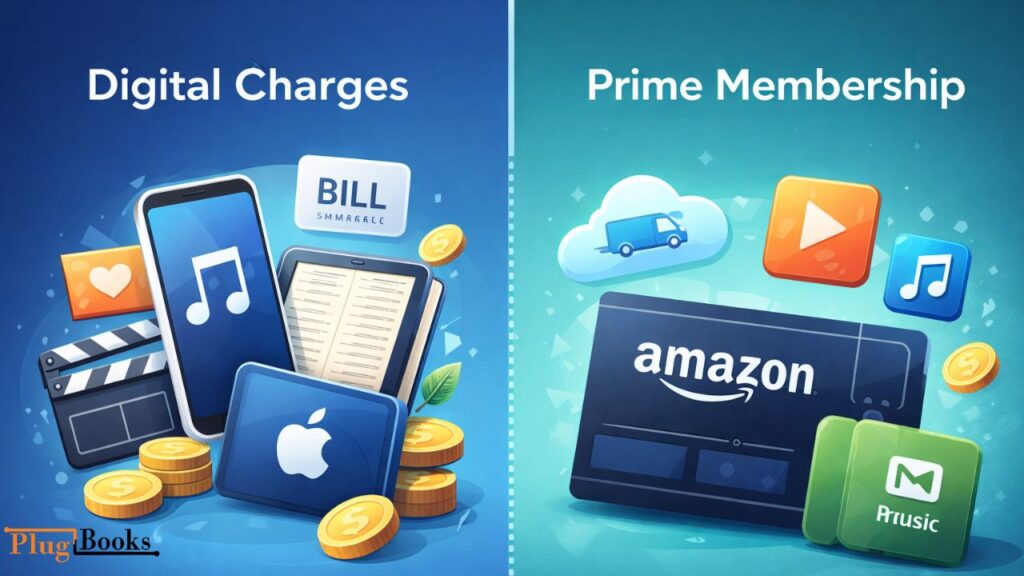
What Is the Difference Between Digital Charges and Prime?
Here’s a simple comparison:
| Digital Billing Label | Prime Membership |
| Covers specific digital purchases | Covers bundled benefits |
| Appears for streaming add-ons | Appears as yearly/monthly membership fee |
| Can exist without Prime | Requires active membership |
| Multiple subscriptions possible | Single membership plan |
If you see both charges, you likely have Prime plus additional digital subscriptions.
Is It Legit or a Scam?
In most cases, it is completely legitimate.
However, you should investigate if:
- You don’t recognize the purchase
- No one else has account access
- You never signed up for digital services
To stay safe:
- Enable 2-step verification
- Regularly check subscriptions
- Review payment history
How Does It Work in 2026?
In 2026, Amazon groups most online content purchases under one billing label for clarity.
If you’re still wondering what is amazon digital service, the easiest way to verify is:
- Log into your Amazon account
- Go to “Your Orders”
- Filter by “Digital Orders”
- Review subscriptions under “Memberships & Subscriptions”
Everything billed under this category will be listed there.
How to Stop Recurring Digital Charges?
If you want to cancel:
- Go to “Memberships & Subscriptions”
- Select the active service
- Click “Cancel Subscription”
- Confirm cancellation
If canceled quickly after renewal, you may qualify for a refund.
Why Does It Keep Charging Me?
If recurring charges continue:
- Auto-renew is active
- Multiple services are linked
- A shared user has access
Most repeated charges happen because subscriptions are set to renew automatically.
Manage Your Amazon Sales Easily with PlugBooks
For Amazon sellers, tracking subscriptions, digital charges, and overall account performance can be overwhelming. PlugBooks helps you automate accounting, track fees, and reconcile your digital transactions effortlessly. Stay organized, save time, and make smarter business decisions with PlugBooks.

FAQs
What is Amazon Digital Services?
Amazon Digital Services is a billing label for digital subscriptions or content purchased through your account, such as streaming, ebooks, apps, or music plans.
What are Amazon Digital Services?
They include online content like video streaming, music subscriptions, ebooks, app purchases, and other digital services offered by Amazon.
What is an Amazon Digital charge?
An Amazon Digital charge is a payment for a digital subscription or content purchase linked to your account. It may appear monthly and renew automatically.
What is Amazon Prime UK and who is a customer?
Amazon Prime UK is the UK version of Amazon Prime, offering fast delivery, Prime Video, Prime Music, and deals. A customer is someone subscribed to access these benefits.
How can an Amazon Prime customer manage or stop charges?
Customers can manage subscriptions or cancel add-ons via “Your Account” → “Memberships & Subscriptions.” This helps stop unwanted Amazon Digital Service charges.
Final Summary (2026 Update)
By now, you should clearly understand:
- what is amazon digital service
- Why it appears on your statement
- How it differs from Prime
- How to cancel unwanted subscriptions
To summarize: when users search amazon digital service, they’re usually dealing with a digital subscription charge — not fraud. Reviewing your account subscriptions will almost always reveal the source.
