



If you just checked your online banking app, noticed an unfamiliar charge labeled “Amazon Digital Service,” and panicked thinking your card was hacked—take a deep breath. You are definitely not alone. Thousands of shoppers search for this exact billing descriptor every day.
In this updated 2026 guide, we’ll break down what this charge actually means, why it showed up on your statement, how to tell if it’s legitimate, and step-by-step instructions on how to stop the recurring payments for good.
What Is Amazon Digital Service?
Amazon uses this broad billing label for online content, digital media, and software subscriptions purchased through your account.
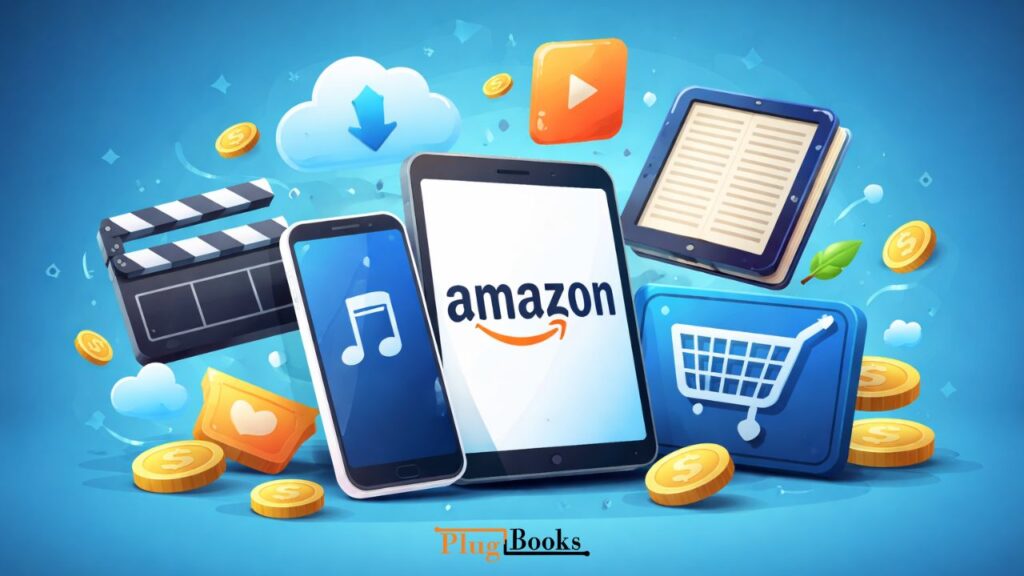
Unlike a physical product (like a pair of shoes or household items), this descriptor is an umbrella term for intangible goods. When you see this on your bank statement, it is usually tied to one of the following:
- Streaming Content: Movie rentals or TV show purchases on Prime Video Channels.
- Reading Material: Ebooks, audiobooks, or Kindle-specific memberships.
- Music: Premium audio streaming upgrades.
- Apps & Games: Mobile applications, in-app purchases, or video game downloads.
- Cloud Storage: Expanded digital photo or file storage plans.
It’s not one specific product. Instead, it’s a billing description for online content and subscription-based services.
What Is Amazon Digital Service Charge on My Bank Statement?
If you’re wondering what amazon digital service is on your bank statement, it simply means a digital subscription or content purchase was processed through your account.
Common examples include:
- Kindle Unlimited
- Amazon Music Unlimited
- Prime Video Channels
Sometimes, even free trials convert into paid plans, which leads to recurring charges.
Why Am I Charged for Amazon Digital Service?
Because this label covers many different products, finding the exact cause can be confusing. The most common reasons an unexpected charge appears include:
- A Free Trial Auto-Renewed: You signed up for a 30-day free trial of a service (like Kindle Unlimited or a niche video channel), forgot to cancel it, and it automatically transitioned into a paid monthly subscription.
- Shared Household Access: A family member, partner, or child with access to your linked account or Fire TV device purchased a game, movie, or add-on channel.
- An Active Add-On Subscription: You previously signed up for an extra channel within Prime Video that bills separately from your base membership.
What Does This Digital Billing Category Include?
This billing label usually covers:
- Movie rentals
- TV series subscriptions
- Ebooks and audiobooks
- Music streaming upgrades
- Mobile app purchases
- Gaming content
So when people type what is amazon digital service, they’re really asking about digital content linked to their account.
Is It the Same as Prime Membership?
No, they are entirely different charges.
Many people confuse the two because they both involve Amazon. Here is how to tell them apart:
| Feature | Amazon Digital Service / Subscriptions | Amazon Prime Membership |
| What it covers | Specific digital content, apps, or media add-ons | Bundled shipping benefits, Prime Video, and basic perks |
| Billing Frequency | Usually monthly per individual subscription | Billed monthly or as an annual membership fee |
| Account Dependency | Can exist completely independently | Requires its own active membership plan |
| Statement Label | Varies by digital product type | Typically appears as “Amazon Prime” |
If you see both charges on your statement at the same time, it simply means you are paying for your base Prime membership plus one or more separate digital add-ons.
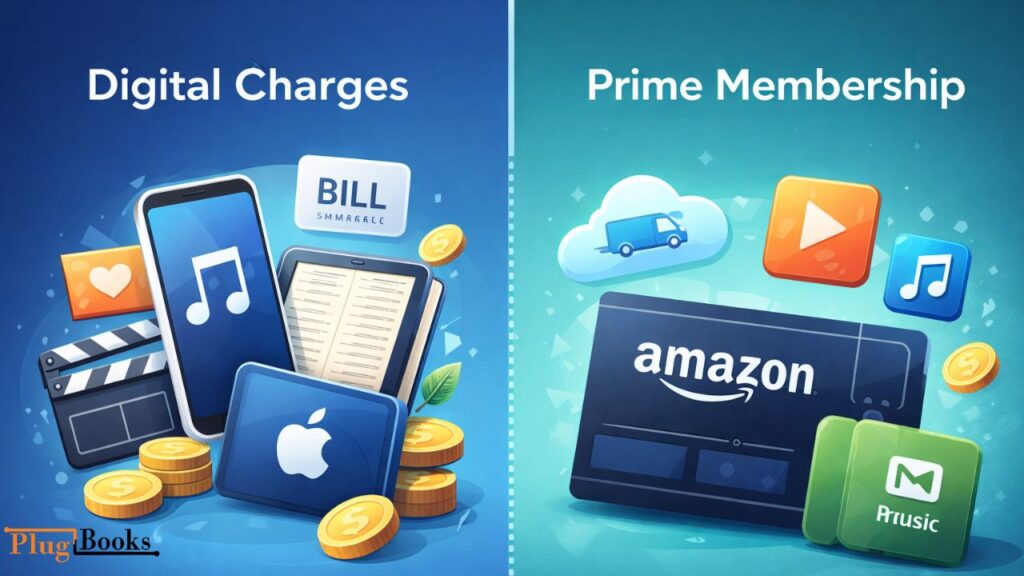
What Is the Difference Between Digital Charges and Prime?
Here’s a simple comparison:
| Digital Billing Label | Prime Membership |
| Covers specific digital purchases | Covers bundled benefits |
| Appears for streaming add-ons | Appears as yearly/monthly membership fee |
| Can exist without Prime | Requires active membership |
| Multiple subscriptions possible | Single membership plan |
If you see both charges, you likely have Prime plus additional digital subscriptions.
Is This Charge Legitimate or a Scam?
In 99% of cases, these charges are completely legitimate and tied to a service someone in your household activated.
However, you should investigate further if:
- You don’t recognize the exact dollar amount.
- No one else has access to your login details.
- You are certain you never signed up for any digital trials.
How Does It Work in 2026?
In 2026, Amazon groups most online content purchases under one billing label for clarity.
If you’re still wondering what is amazon digital service, the easiest way to verify is:
- Log into your Amazon account
- Go to “Your Orders”
- Filter by “Digital Orders”
- Review subscriptions under “Memberships & Subscriptions”
Everything billed under this category will be listed there.
How to Stop Recurring Digital Charges?
If you want to cancel:
- Go to “Memberships & Subscriptions”
- Select the active service
- Click “Cancel Subscription”
- Confirm cancellation
If canceled quickly after renewal, you may qualify for a refund.
Why Does It Keep Charging Me?
If recurring charges continue:
- Auto-renew is active
- Multiple services are linked
- A shared user has access
Most repeated charges happen because subscriptions are set to renew automatically.
Manage Your Amazon Sales Easily with PlugBooks
For Amazon sellers, tracking subscriptions, digital charges, and overall account performance can be overwhelming. PlugBooks helps you automate accounting, track fees, and reconcile your digital transactions effortlessly. Stay organized, save time, and make smarter business decisions with PlugBooks.

FAQs
What is an Amazon Digital charge?
An Amazon Digital charge is a payment for a digital subscription, app, or content purchase linked to your account. It often appears as a recurring monthly fee.
Why is Amazon charging me every month?
Monthly charges almost always happen because a digital subscription (such as Kindle Unlimited, an app, or a video channel) is set to auto-renew, or a free trial period has officially ended.
How do I stop unwanted Amazon Digital Service charges?
You can stop future charges by logging into your account, navigating to Memberships & Subscriptions, and selecting the option to cancel the active service.
How can I contact Amazon if a charge is unauthorized?
If you suspect an accidental purchase or unauthorized access, go to the Amazon Help section and use the “Contact Us” feature to chat live with a support representative regarding billing disputes.
Final Summary
Seeing an unfamiliar charge on your bank statement is stressful, but an “Amazon Digital Service” label almost always points to a digital subscription or media purchase rather than fraud. A quick review of your digital orders and active memberships will almost always reveal the source.
