



Best Bookkeeping Software for Mac Freelancers can make managing finances simple, fast, and stress-free. If you’re an independent contractor using a Mac, juggling client work, invoices, expenses, and taxes shouldn’t slow you down. The right system works seamlessly on macOS, offering automation and accuracy without adding complexity.
Choosing a Mac-friendly bookkeeping solution in 2026 is all about saving time and keeping your finances organized—because every minute counts when you’re running your own business as a gig worker or self-employed professional.
Key Takeaways
- Why Mac-friendly bookkeeping matters for freelancers
- Features that separate good tools from great ones
- Best bookkeeping program for Mac vs mobile apps
- How freelancers save time with automation
- A smarter way to track income and expenses
What Makes Bookkeeping Software Ideal for Mac Freelancers?
Mac users expect clean design, smooth performance, and stability. The best bookkeeping program for Mac is built to support these expectations while handling real freelance needs.
Key qualities include:
- Native or fully Mac-optimized performance
- Cloud access without heavy system usage
- Seamless syncing with banks and payment platforms
- Simple UI that doesn’t feel “corporate”
Freelancers don’t need bulky accounting systems—they need clarity.
Features to Look for in the Best Bookkeeping Software for Mac
Before choosing any tool, focus on features that actually help freelancers.
1. Income & Expense Tracking
Automatically record client payments and business expenses without manual entry.
2. Invoicing & Payment Tracking
Create invoices, track paid/unpaid status, and manage recurring clients.
3. Tax-Ready Reports
Export reports that simplify quarterly and annual tax filing.
4. Automation
The best bookkeeping software for Mac freelancers reduces repetitive work through bank syncing and auto-categorization.
5. Mobile Access
A strong best bookkeeping app for Mac experience means you can manage finances from iPhone or iPad when needed.
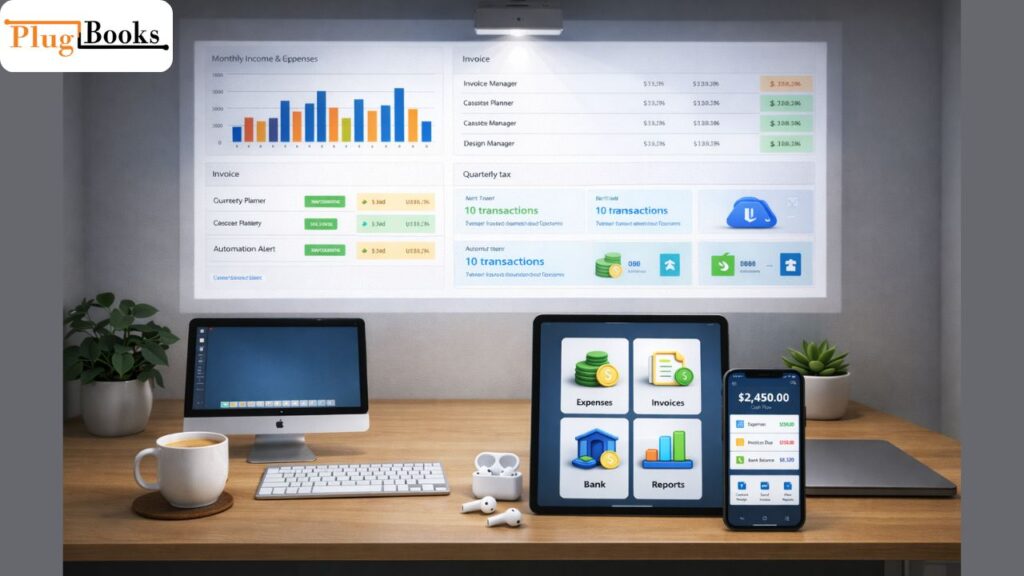
Key Points – Best Bookkeeping Software for Mac Small Business
- Saves hours weekly by automating invoice, expense, and bank reconciliation tasks
- Reduces errors compared to manual spreadsheets or generic accounting tools
- Provides clear cash flow insights for better business decisions
- Supports small business-specific needs: inventory tracking, client invoicing, and tax reports
- Works seamlessly on Mac with smooth UI and fast performance
- Ideal for online stores, consulting firms, and home-based businesses
- Integrates with other tools like QuickBooks, Xero, or payment platforms for easier bookkeeping
- Enhances organization and accessibility for financial records anytime, anywhere

Best Bookkeeping Software for Mac Freelancers: 2026 Comparison
Freelancers often compare tools based on ease of use rather than advanced accounting features.
1: Cloud-Based Bookkeeping Software
- Accessible from Mac and mobile
- Automatic updates
- Ideal for remote freelancers
2: Desktop-Focused Bookkeeping Programs
- Strong offline access
- Local data control
- Less flexible for travel
3: Hybrid Tools
- Desktop power with cloud sync
- Balanced solution for growing freelancers
When choosing the best bookkeeping software for Mac freelancers, flexibility usually wins.
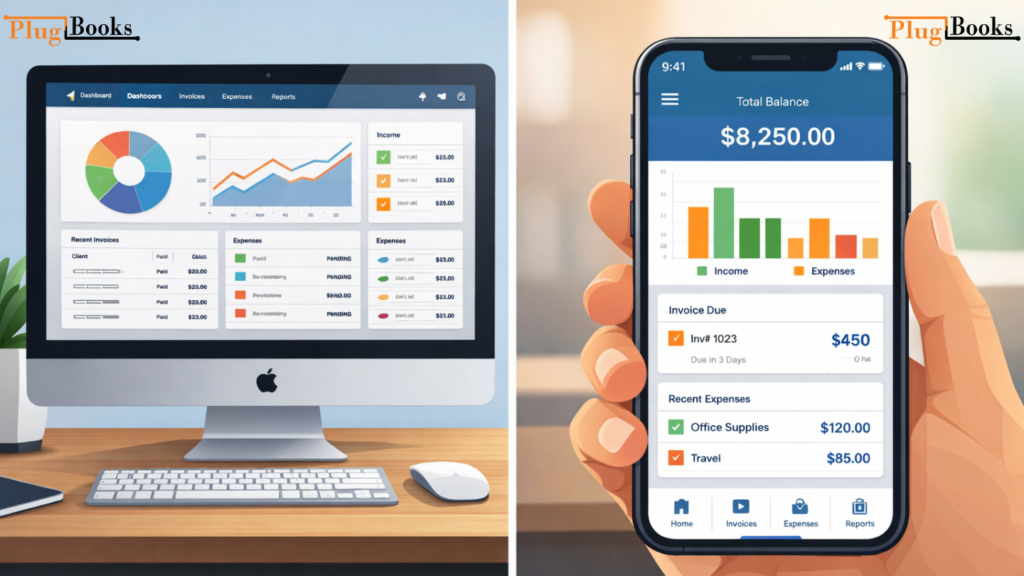
Best Bookkeeping Program for Mac vs Best Bookkeeping App for Mac
Many freelancers ask whether a desktop program or mobile app is better.
Desktop Programs (Mac)
Best for:
- Detailed financial reviews
- Monthly and yearly reporting
- Multi-client tracking
Mobile Apps
Best for:
- Expense capture on the go
- Quick invoice checks
- Real-time cash flow updates
In most cases, freelancers benefit from a Mac program with a strong mobile app companion.
How Freelancers Use Bookkeeping Software on Mac
Freelance Designers & Developers
- Follow project-based income
- Manage software subscriptions
- Monitor profitability per client
Writers & Consultants
- Invoice recurring clients
- Track home office expenses
- Prepare clean tax reports
E-commerce & Digital Sellers
- Record sales income
- Manage fees and refunds
- Sync data for accounting
This is why choosing the top bookkeeping software for Mac freelancers is about matching your workflow—not just features.
Common Issues Mac Freelancers Face (And Fixes)
| Common Issue | Fix / Solution |
|---|---|
| Manual Data Entry | Use tools with automatic bank syncing. |
| Messy Expense Categories | Enable smart categorization and monthly reviews. |
| Tax Confusion | Use bookkeeping software that generates tax-ready summaries. |
| App Compatibility | Choose cloud-based Mac-friendly platforms. |
Security Tips for Freelancers Using Bookkeeping Software
- Enable two-factor authentication
- Use strong, unique passwords
- Back up data regularly
- Avoid public Wi-Fi without VPN
- Review account access permissions
Security is essential when handling client payments and tax data.
How PlugBooks Helps Mac Freelancers Stay Organized
For freelancers who want simplicity without sacrificing accuracy, PlugBooks offers a practical solution.
PlugBooks helps Mac users:
- Track income, expenses, and invoices in one place
- Sync automatically with QuickBooks and Xero
- Reduce errors caused by manual entry
- Save hours each month on financial admin
It’s especially useful for freelancers and sellers who want automation without complexity.

FAQs
What is the top bookkeeping software for Mac freelancers in 2026?
The best option depends on your workload, but tools with automation, Mac compatibility, and mobile access perform best.
Is there a bookkeeping app for Mac freelancers?
Yes, many platforms offer the best bookkeeping app for Mac experience through iOS companions.
Do freelancers need accounting or bookkeeping software?
Bookkeeping software is usually enough for freelancers, while accounting tools are better for larger businesses.
Can Mac freelancers use cloud bookkeeping tools?
Absolutely. Cloud-based tools are the most popular choice in 2026.
Quick Recap
- Mac freelancers need simple, fast bookkeeping tools
- Automation saves time and reduces errors
- Desktop + mobile access works best
- Security and tax readiness matter
- PlugBooks helps streamline freelance finances
Conclusion
Choosing the proven bookkeeping software for Mac freelancers (Updated 2026) isn’t about picking the most expensive tool—it’s about finding software that fits your workflow, saves time, and keeps your finances clean.
With the right Mac-friendly bookkeeping solution, freelancers can focus more on clients and less on spreadsheets. Tools like PlugBooks make it even easier by automating tracking and syncing with popular accounting platforms.