




Running an ecommerce business involves more than processing orders and receiving customer payments. Sellers must also manage marketplace fees, refunds, supplier payments, inventory costs, taxes, and operating expenses. Cloud accounting provides an online way to organize these financial records, but managing transactions from multiple sales channels can still be challenging.
Cloud-based financial tools give businesses a way to review transactions, organize records, and generate financial reports online. Instead of depending entirely on spreadsheets or software installed on one computer, authorized users can access their information through an internet-connected device.
For Amazon, eBay, and Shopify sellers, choosing the right financial management process can make bookkeeping more organized. It also helps business owners understand their expenses, monitor cash flow, and evaluate profitability.
How Cloud Accounting Helps Ecommerce Sellers Manage Their Bookkeeping
Online financial management helps ecommerce sellers organize information generated through different marketplaces, payment providers, and business operations. Sellers can review sales records, marketplace fees, refunds, settlements, and operating expenses through connected systems.
For businesses operating across multiple channels, this approach can reduce scattered records and make financial information easier to review. When combined with dedicated ecommerce bookkeeping support, it can also help maintain accurate COGS records, reconcile transactions, and prepare financial reports.
The result is a clearer picture of business finances, helping sellers make informed decisions about expenses, inventory purchases, and profitability.
1. What Is Cloud Accounting?
Cloud accounting refers to managing business financial information through internet-hosted accounting software. Rather than relying exclusively on a locally installed program, users access their records through a web browser or mobile application.
The provider hosts the software and maintains the underlying infrastructure. Authorized users can access available features according to their subscription plans and account permissions.
Common activities include:
- Recording business income and expenses.
- Managing invoices and supplier bills.
- Tracking accounts payable and receivable.
- Connecting supported bank accounts.
- Reconciling financial transactions.
- Preparing profit and loss statements.
- Reviewing cash flow and balance sheet reports.
For ecommerce sellers, these capabilities help organize information from marketplace sales, payment processors, suppliers, and everyday business expenses.

2. How Does It Work?
Online financial platforms collect and organize transaction information so businesses can maintain their records in one place. The process generally involves the following steps.
Step 1: Create an Account
Choose a suitable platform, register the business, and configure its financial settings, reporting preferences, and user permissions.
Step 2: Connect Financial Accounts
Connect supported bank accounts and payment services to import transaction information. Some platforms also offer connections with ecommerce applications.
Step 3: Record Income and Expenses
Enter or import sales, supplier payments, refunds, operating expenses, and other business transactions.
Step 4: Reconcile Transactions
Compare imported bank activity with recorded financial entries. Investigate missing transactions, duplicate entries, and differences in amounts.
Step 5: Generate Financial Reports
Review reports that summarize revenue, expenses, cash flow, and business performance.
Automation can reduce repetitive data entry, but imported transactions still require proper categorization and verification.
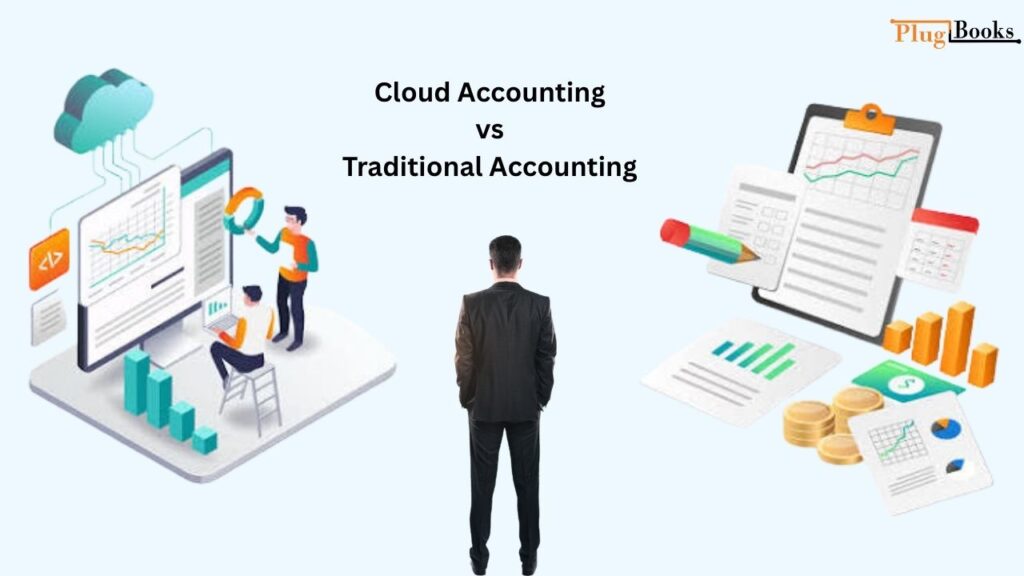
3. Cloud Accounting vs Traditional Accounting
Online and traditional desktop-based systems differ in how financial information is accessed, stored, and managed.
| Feature | Online Accounting | Traditional Desktop Accounting |
| Accessibility | Internet-based access | Primarily installed computer |
| Data storage | Cloud infrastructure | Local storage or configured hosting |
| Collaboration | Online user access | Depends on software setup |
| Updates | Generally provider-managed | May require installation |
| Internet connection | Usually required | Some functions work offline |
| Backup | Provider-managed options | Often requires separate arrangements |
| Integrations | Online application ecosystem | Depends on software edition |
Online systems are useful for businesses that need remote access and collaboration with bookkeepers. Desktop programs may suit companies with established local workflows or specialized software requirements.
The right choice depends on business operations, reporting needs, software compatibility, and available features.
4. Benefits of Cloud Accounting for Ecommerce Sellers
The benefits of cloud accounting depend on how a business manages its transactions and which tools it uses. However, several capabilities can make routine financial management easier.
Access Financial Records Remotely
Business owners can review available financial information from different locations without depending on one particular computer. This is useful when managing operations, checking expenses, or discussing reports with a bookkeeper.
Improve Collaboration
Many platforms allow multiple authorized users to work with the same records. Business owners and bookkeeping professionals can review transactions without repeatedly exchanging spreadsheet files.
Keep Financial Information Organized
Sales, supplier bills, invoices, and operating expenses can be maintained in a structured system. This makes it easier to locate financial information when reviewing business activity.
Simplify Financial Reporting
Businesses can generate reports such as profit and loss statements, balance sheets, and cash flow summaries. These reports help owners understand their financial position and identify changes in spending.
Reduce Repetitive Data Entry
Supported bank feeds and integrations can import transaction information automatically. This reduces some manual work, although sellers must still verify imported records for accuracy.
5. How Does It Help Track Sales and Expenses?
Total sales do not represent the amount an ecommerce business keeps as profit. Marketplace deductions, refunds, product costs, shipping, advertising, and other expenses all affect financial results.
Maintaining separate records for these activities helps sellers understand their actual business performance.
Track Sales Revenue
Record customer orders and payment activity from each sales channel. Distinguishing gross sales from actual deposits helps prevent confusion when reviewing revenue.
Monitor Marketplace Fees
Amazon and eBay sellers may incur referral fees, fulfillment charges, transaction fees, and other selling costs. Recording these deductions separately makes marketplace expenses easier to evaluate.
Record Refunds and Adjustments
Refunds, chargebacks, and transaction adjustments affect sales revenue. Sellers should maintain appropriate records instead of treating every payment received as completed revenue.
Manage Product Costs and COGS
Cost of Goods Sold represents the direct cost of products sold during an accounting period. Maintaining accurate purchase records and applying a consistent costing method helps businesses calculate gross profit more reliably.
Organize Operating Expenses
Advertising, shipping supplies, software subscriptions, and other operating costs should be recorded under suitable categories. This helps sellers identify where business money is being spent.
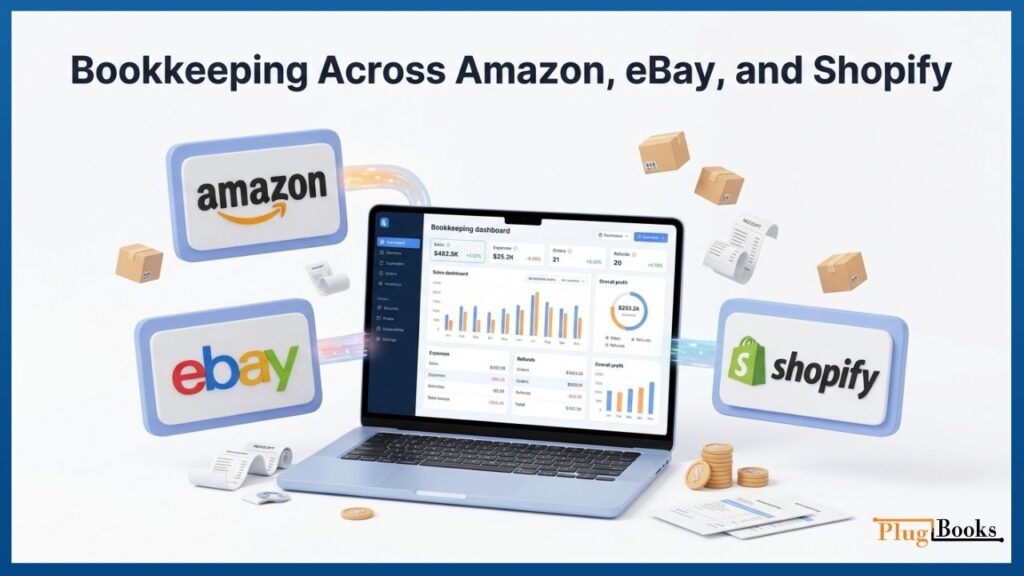
6. Bookkeeping Across Amazon, eBay, and Shopify
Each ecommerce platform generates different transaction records, settlement reports, and payment information. Sellers operating across multiple channels need a consistent process for collecting and reviewing these records.
Amazon Sellers
Amazon settlement reports contain information about orders, refunds, marketplace fees, reimbursements, and other adjustments.
Reviewing these details helps sellers understand why the amount deposited into their bank account may differ from gross sales.
eBay Sellers
eBay businesses need to maintain records of product sales, selling fees, refunds, payment processing costs, and payouts.
Reconciling marketplace activity with bank deposits helps identify differences and maintain more complete financial records.
Shopify Sellers
Shopify merchants may receive payments through different payment providers while managing customer orders, refunds, shipping charges, and store expenses.
Keeping these transactions organized helps business owners understand their revenue and operating costs.
For sellers using multiple sales channels, consistent transaction categorization is essential for preparing reliable financial reports.
7. QuickBooks Online and Xero in Online Bookkeeping
QuickBooks Online and Xero are two examples of internet-based accounting platforms that help businesses manage financial information.
Both offer tools for recording transactions, reconciling bank activity, managing expenses, and preparing reports.
QuickBooks Online
QuickBooks Online provides financial management features for small businesses and growing companies.
Its capabilities include:
- Income and expense tracking.
- Invoice management.
- Bank transaction connections.
- Financial reporting.
- Supported third-party integrations.
- Access for authorized users.
Ecommerce businesses can use it to organize financial records and monitor business performance.
Xero
Xero provides online financial management tools for businesses that need to organize their transactions and reporting activities.
Its capabilities include:
- Bank reconciliation.
- Invoice creation and tracking.
- Expense management.
- Financial reporting.
- Cash flow visibility.
- Third-party application integrations.
Available features and connections depend on the selected subscription, region, and connected applications.
8. Online Financial Management for Small Businesses: What to Consider
Small businesses should evaluate their financial requirements before selecting an online platform. A suitable system should support current operations without creating unnecessary costs or administrative work.
Consider these factors:
- Monthly subscription: Compare pricing, user limits, and additional charges.
- Bank connections: Check whether the platform supports the business’s financial institutions.
- Reporting features: Review available profit, expense, and cash flow reports.
- Integrations: Confirm compatibility with marketplaces and payment providers.
- Inventory requirements: Determine whether additional tools are needed for product costing and COGS.
- Data protection: Review account permissions, security controls, and backup arrangements.
- Customer support: Check available assistance when technical or transaction-related issues arise.
A platform should match the business’s actual bookkeeping requirements rather than offering features that sellers may never use.
9. Cloud Accounting Services: What Should Ecommerce Sellers Look For?
The term cloud accounting services can refer to online financial management platforms, outsourced bookkeeping, or a combination of software and professional support.
Ecommerce sellers should understand what a provider actually offers before selecting a service.
Important capabilities to evaluate include:
- Transaction recording: Maintaining records of sales, purchases, and refunds.
- Expense management: Organizing advertising, shipping, and operating costs.
- Bank reconciliation: Comparing recorded transactions with bank statements.
- Marketplace settlement review: Understanding fees, adjustments, and payouts.
- Inventory costing: Maintaining accurate product cost information.
- Financial reporting: Preparing useful summaries of revenue and expenses.
- Ongoing support: Helping identify missing records and transaction discrepancies.
Some providers focus on general financial management, while others specialize in marketplace bookkeeping. Choosing a service that understands ecommerce transactions can make financial recordkeeping more relevant to the business.
10. How PlugBooks Supports Ecommerce Bookkeeping
General accounting platforms provide tools for managing financial records, but ecommerce sellers also need to organize the detailed transactions generated by their marketplaces.
PlugBooks helps Amazon, eBay, and Shopify sellers manage their ecommerce bookkeeping activities. Its workflows cover orders, refunds, marketplace fees, taxes, settlements, disbursements, expenses, payouts, and Cost of Goods Sold (COGS).
Sellers can also access settlement and COGS reports in CSV and PDF formats, along with sales reports and dashboards.
For businesses using QuickBooks or Xero, PlugBooks supports the broader bookkeeping workflow by helping organize marketplace-related financial information.
Rather than treating every marketplace deposit as profit, sellers can review the underlying transaction activity and maintain more organized records.
Whether a business operates through one marketplace or several sales channels, accurate bookkeeping helps owners understand revenue, costs, and overall profitability.
Create your PlugBooks account and explore how organized ecommerce bookkeeping can simplify financial management.

Frequently Asked Questions
1. What Does Online Financial Management Mean in Simple Terms?
It is the process of managing business financial records through online software that authorized users can access over the internet.
2. Is it suitable for small businesses?
Yes. It can help small businesses organize income, expenses, invoices, bank transactions, and financial reports. Suitability depends on the company’s budget and required features.
3. What is the difference between cloud accounting and cloud bookkeeping?
The first generally describes the online software environment used to manage financial information. Cloud bookkeeping focuses on recording, categorizing, and maintaining business transactions through internet-based tools.
4. Is QuickBooks Online cloud-based?
Yes. QuickBooks Online allows authorized users to access financial records through an internet connection and provides tools for transaction management, reconciliation, and reporting.
5. Is Xero an online accounting platform?
Yes. Xero provides online tools for invoicing, expense management, bank reconciliation, and financial reporting.
6. Can Amazon sellers use online financial management tools?
Yes. Amazon sellers can use compatible platforms to organize settlement information, record expenses, review marketplace fees, and maintain financial records.
7. Can businesses manage multiple ecommerce sales channels?
Yes, provided their selected platform or connected applications support the required marketplaces. Integration availability and functionality vary between providers.
8. Does accounting software automatically calculate net profit?
It can generate profit reports using recorded transactions. However, reliable results depend on correctly entering revenue, refunds, marketplace fees, operating expenses, and COGS.
