



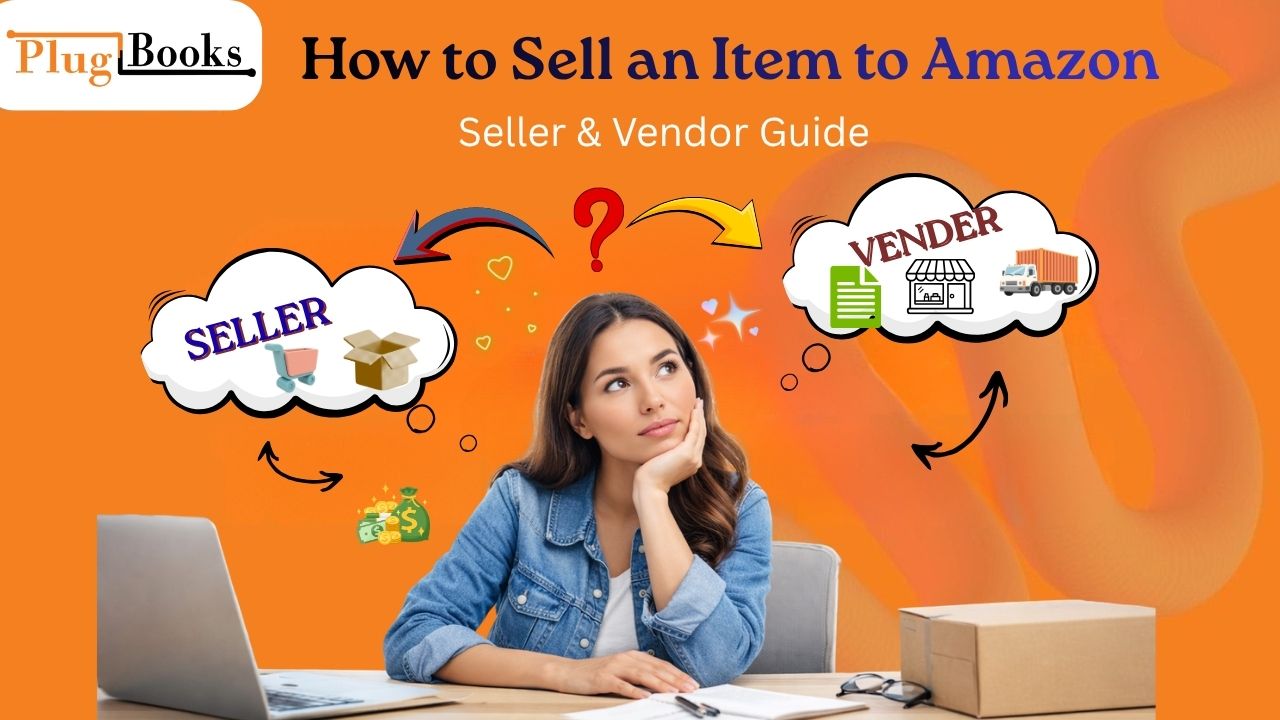
If you are planning to sell an item to Amazon, the first thing you need to understand is that Amazon offers two different ways: Seller Central and Vendor Central. Both systems allow you to reach millions of customers, but they work in completely different ways.
In this guide, you will learn both models step-by-step so you can choose the right path for your business.
Key Points:
- Two Amazon selling models exist
- Seller = direct selling to customers
- Vendor = wholesale to Amazon
- Different profit structures
- Best option depends on business stage
What Does “Sell an Item to Amazon” Mean?
The term sell an item to Amazon can mean:
- Selling directly to customers on Amazon (Seller model)
- Selling products in bulk to Amazon (Vendor model)
Both are valid business methods but serve different types of sellers.
Amazon Seller Model (Direct Selling)
The Amazon Seller model is the most common way to start.
How It Works:
- You create an Amazon Seller account
- You list your products
- Customers buy directly from you
- You fulfill orders using FBA or FBM

Advantages:
- Easy for beginners
- Full control over pricing
- Quick setup process
- Global customer reach
Limitations:
- High competition
- You manage listings and inventory
- Selling fees apply
Amazon Vendor Model (Wholesale System)
The Amazon Vendor model works differently.
How It Works:
- Amazon invites or approves your business
- You sell products in bulk to Amazon
- Amazon sells your products to customers
Advantages:
- Large bulk purchase orders
- Amazon handles retail operations
- Strong brand credibility
Limitations:
- Invitation-only system
- Lower control over pricing
- Profit margins depend on contracts
Seller vs Vendor Comparison
| Feature | Seller | Vendor |
| Customer | Direct buyers | Amazon |
| Control | High | Low |
| Pricing | Flexible | Fixed by Amazon |
| Entry | Easy | Difficult |
| Model Type | Retail | Wholesale |
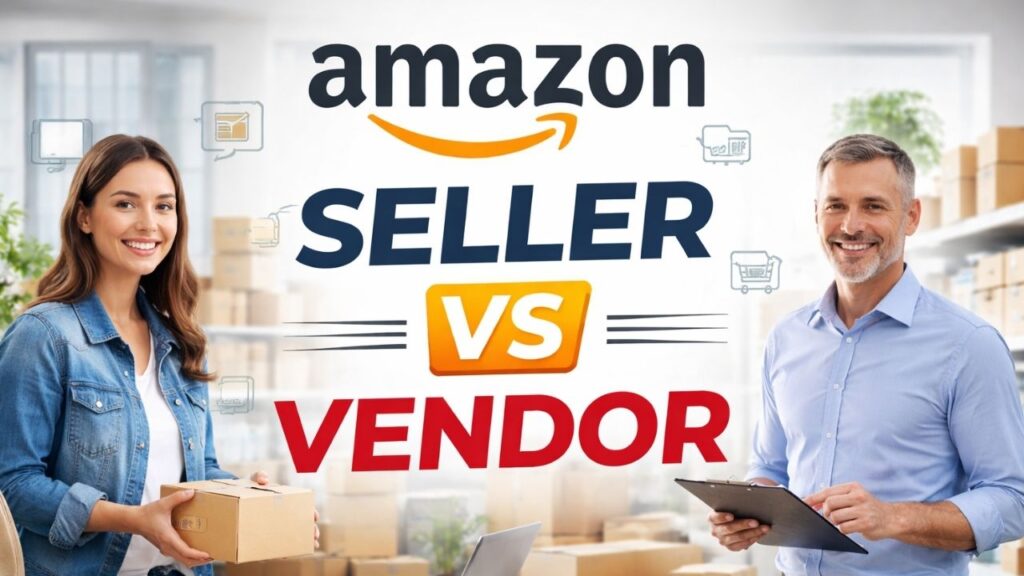
Which Option Should You Choose?
Choose Seller Model if:
- You are a beginner
- You want fast entry into Amazon
- You want control over pricing
Choose Vendor Model if:
- You are a manufacturer or established brand
- You can handle bulk supply
- You prefer wholesale partnerships
Step-by-Step: Sell an Item to Amazon (Seller)
1: Create Account
Register on Amazon Seller Central
2: Select Product
Choose a niche with demand
3: Source Inventory
Find supplier or manufacturer
4: Create Listing
Optimize title, images, and keywords
5: Choose Fulfillment
Use FBA or FBM
6: Start Selling
Launch and optimize performance
Step-by-Step: Sell to Amazon (Vendor)
1: Get Approved
Receive invitation from Amazon
2: Join Vendor Central
Complete onboarding process
3: Agree Pricing Terms
Set wholesale agreements
4: Ship Bulk Stock
Send inventory to Amazon warehouses
5: Amazon Sells Product
Amazon handles retail sales and pricing
Common Mistakes New Sellers Make
- Choosing wrong product niche
- Ignoring keyword optimization
- Poor inventory planning
- Not calculating Amazon fees properly
- Weak product images and listings
Smart Selling Tips
- Focus on high-demand products
- Optimize listings with SEO
- Use FBA for better delivery speed
- Track profit margins carefully
- Scale step-by-step instead of rushing
PlugBooks for Amazon Sellers
If you want to sell an item to Amazon at scale, managing inventory and accounting becomes important.
PlugBooks helps sellers by:
- Syncing Amazon inventory automatically
- Integrating with QuickBooks & Xero
- Reducing manual errors
- Supporting multi-channel sellers
- Improving business efficiency
FAQs
1. Do I need a company to sell on Amazon?
No, individuals can start as well, but a registered business helps with scaling.
2. Can I sell international products on Amazon?
Yes, but you must follow Amazon’s import and compliance rules.
3. What is the fastest way to start selling?
Amazon Seller Central with FBA is the quickest setup method.
4. Is Amazon Vendor available to everyone?
No, it is invitation-based and usually for established brands.
5. How do Amazon fees work?
Fees are charged per sale and depend on category and fulfillment type.
6. Can I sell without holding inventory?
Yes, through dropshipping or FBA models depending on setup.
Quick Summary
- “Sell an item to Amazon” has 2 models
- Seller = direct retail selling
- Vendor = wholesale to Amazon
- Beginners should start with Seller model
Conclusion
To successfully sell an item to Amazon, you must choose the right model based on your business goals. The Seller model is best for beginners, while the Vendor model is ideal for established brands. Understanding both helps you build a strong and profitable Amazon business in 2026.
3 thoughts on “How to Sell an Item to Amazon: Seller & Vendor Guide”